Help Center » Todo for Slack
How to complete a task
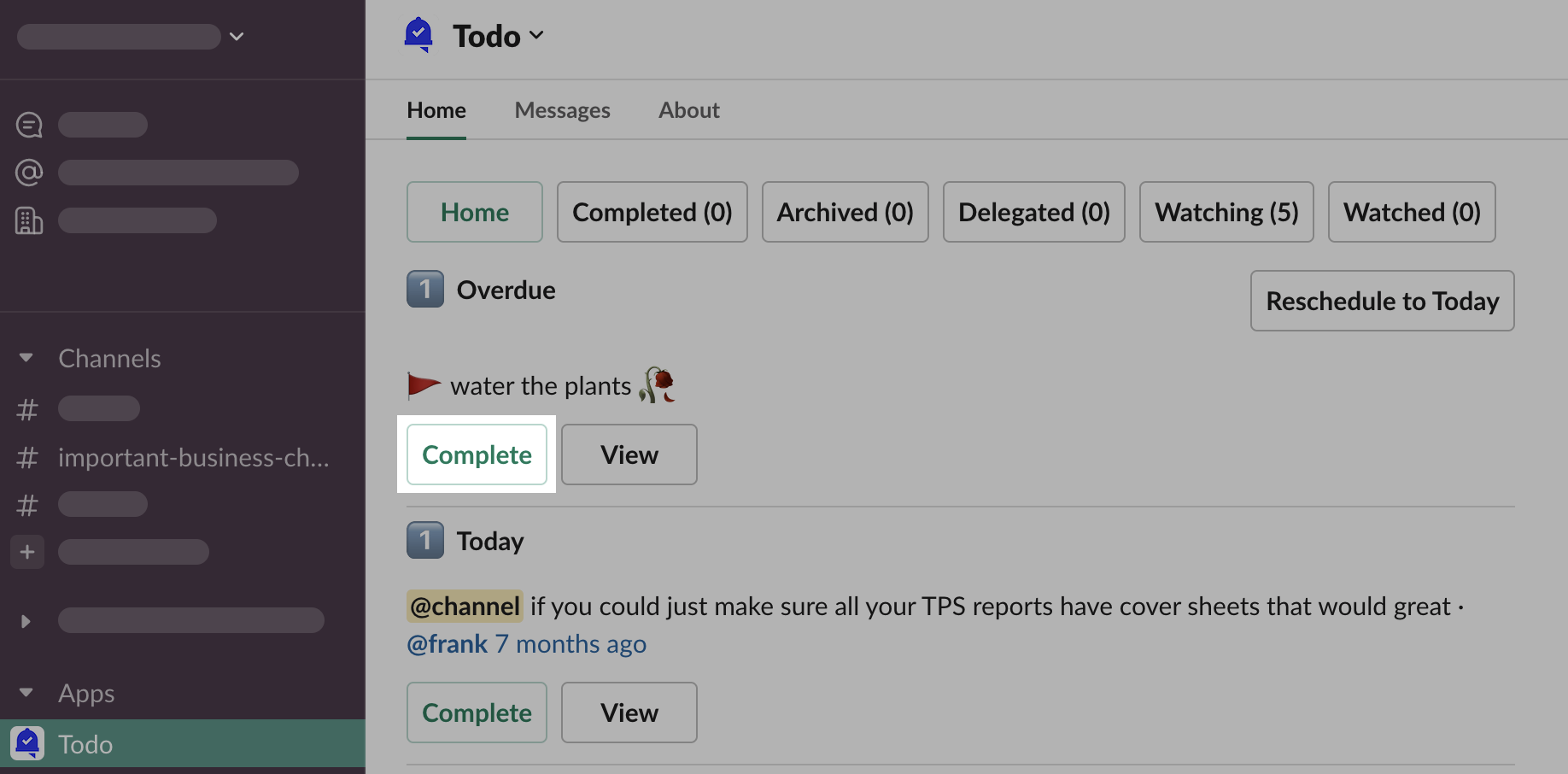
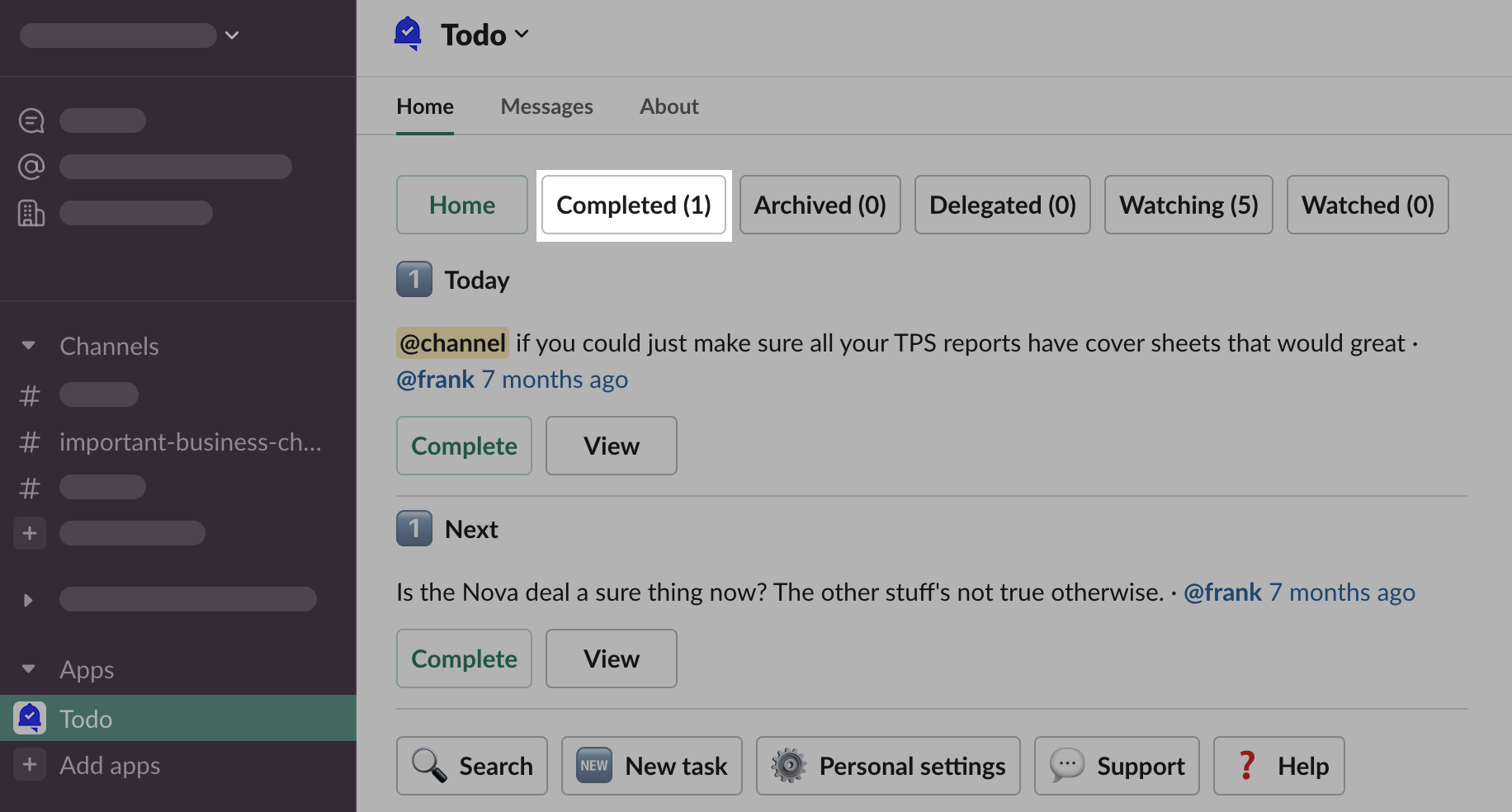
To complete a task, you have to find a “Complete” button anywhere near a task. Likely, you will do this from the App Home.
Click button “Complete” under the task you want to complete
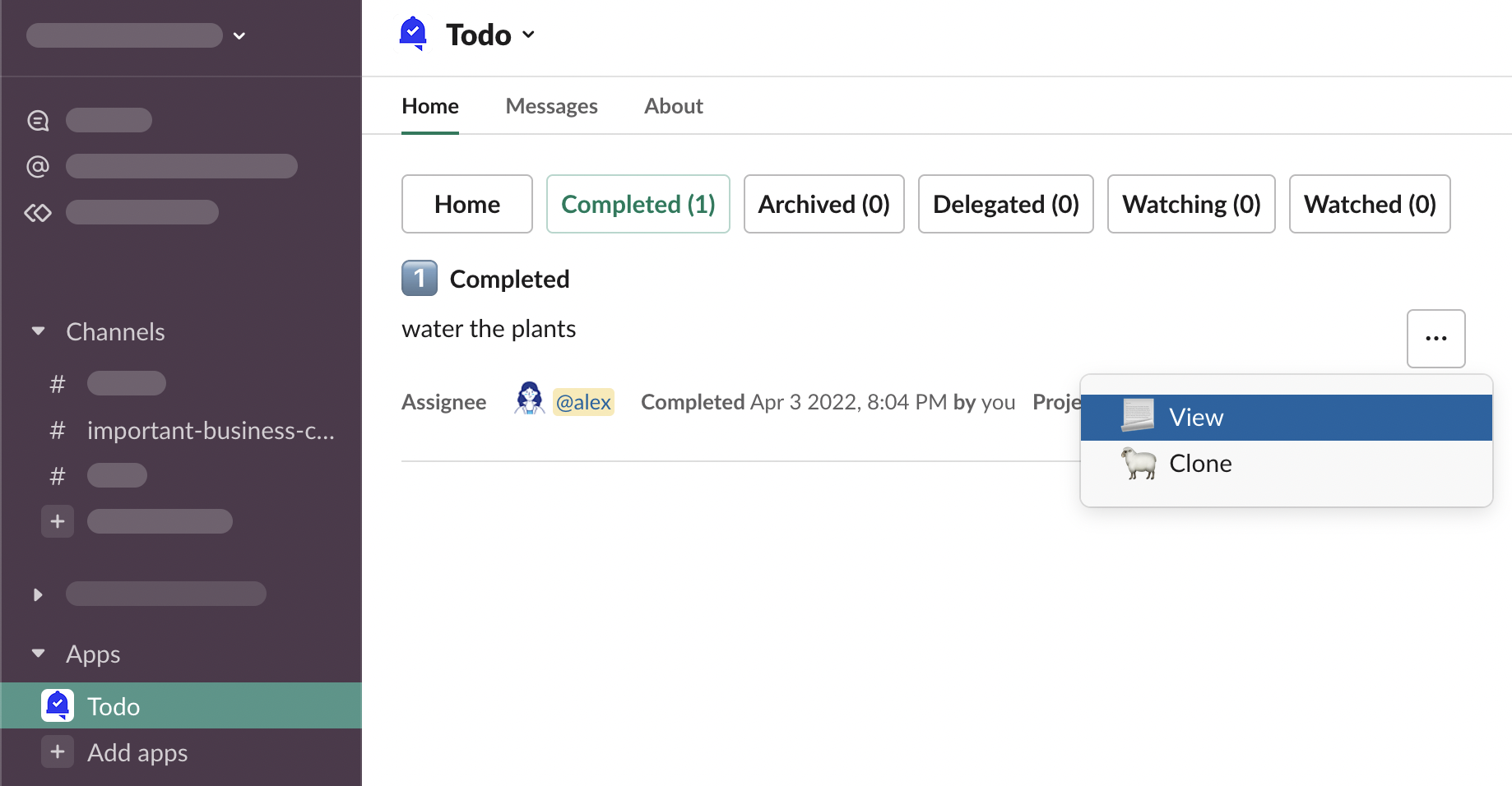
You will find the task has disappeared from the list, and the “Completed (0)” counter has incremented to (1).
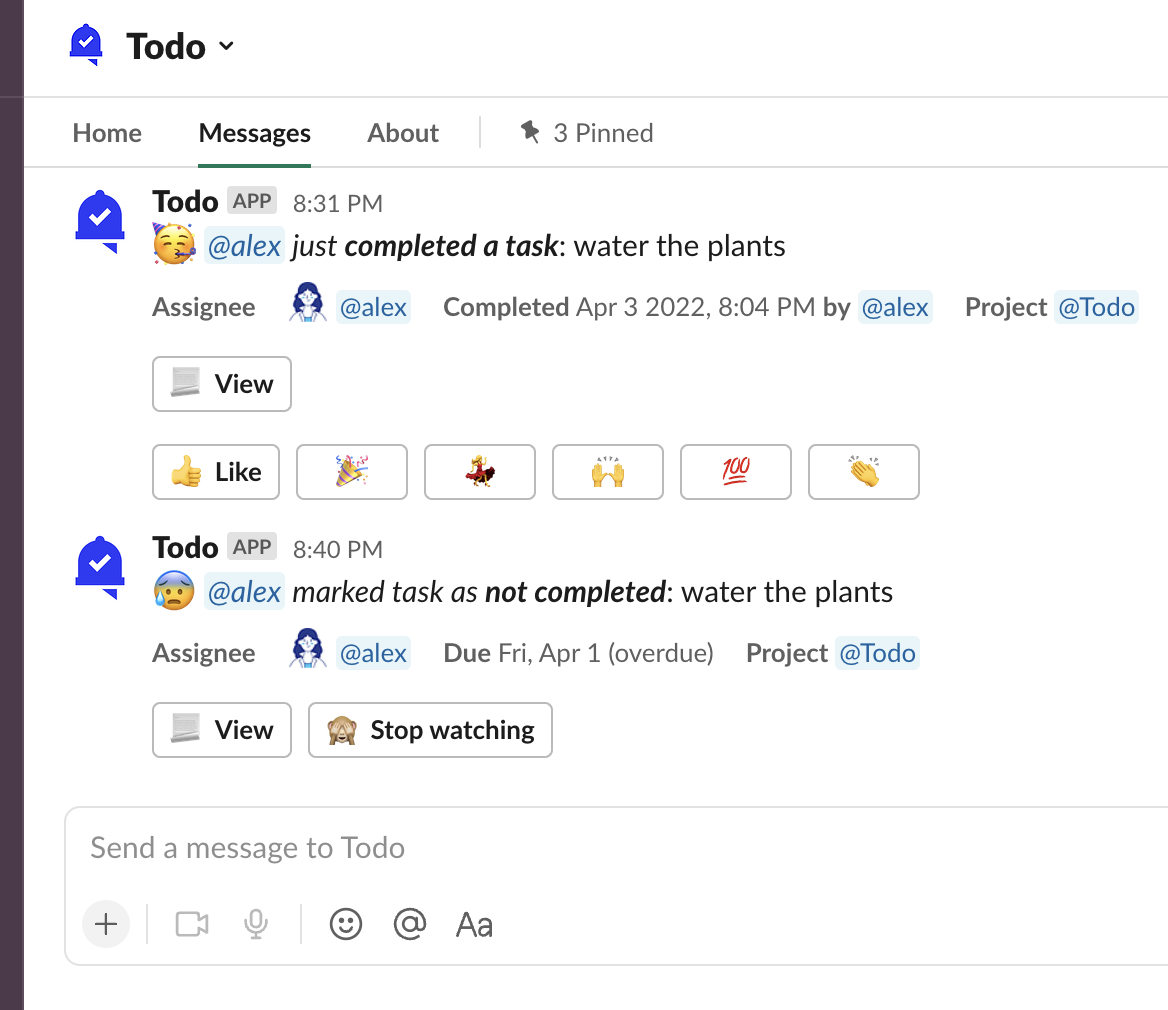
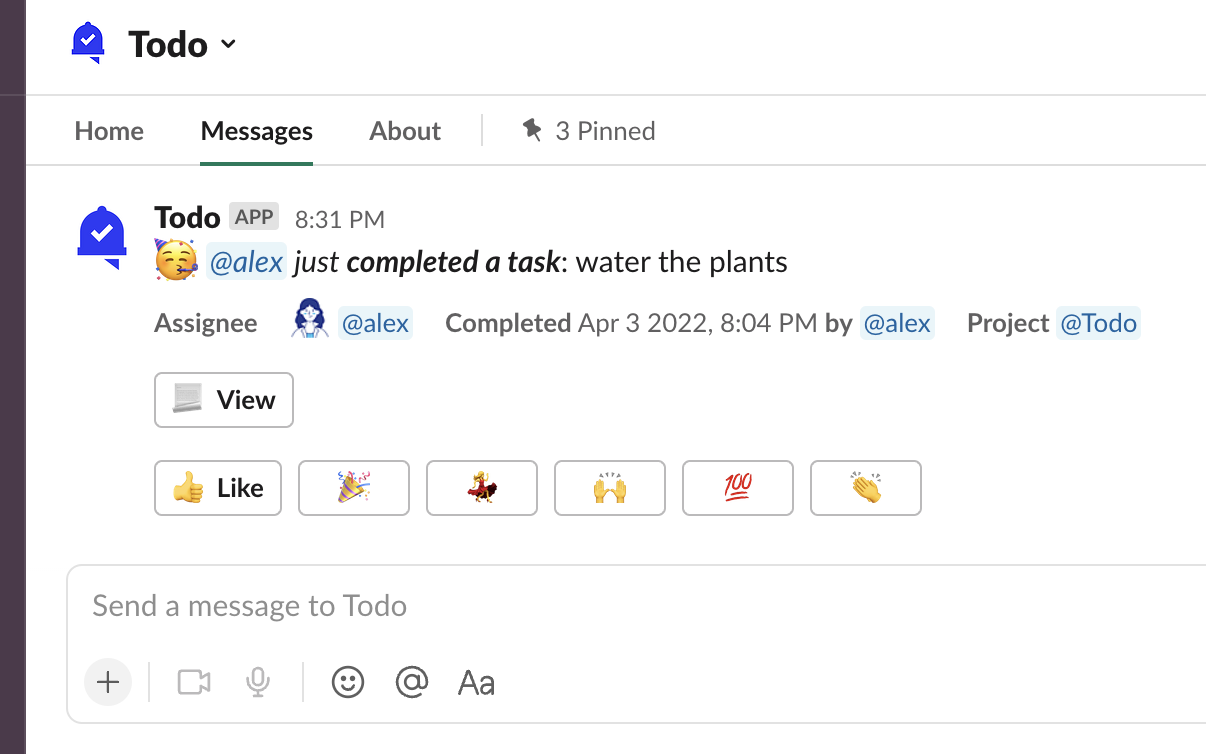
Task watchers have received a notification about the task completion.
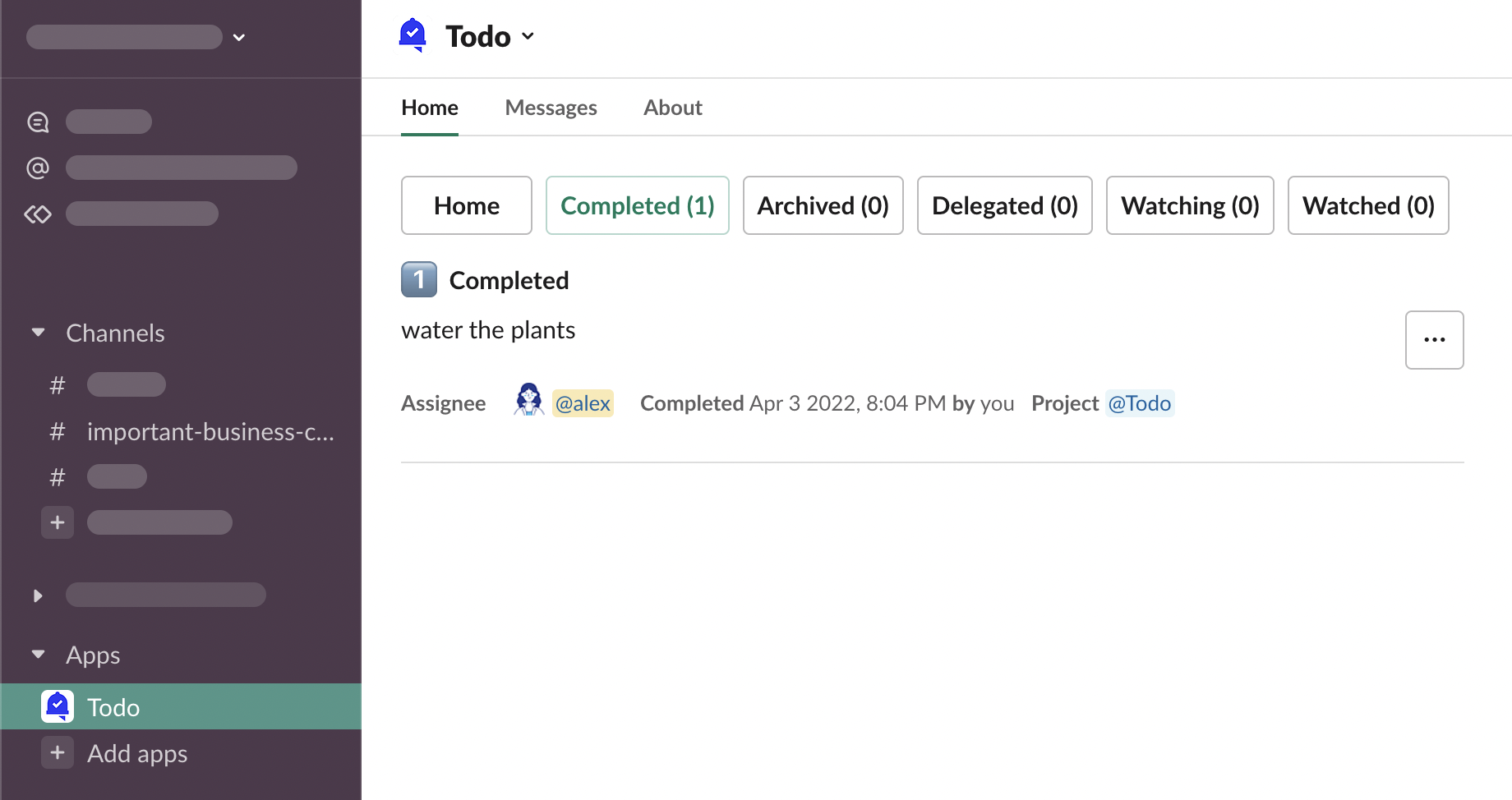
Where to find completed tasks?
Go to App Home and click the “Completed (…)” button
Who can complete tasks?
Everybody in your workspace who can see a task, can also edit it - that includes being able to complete it.
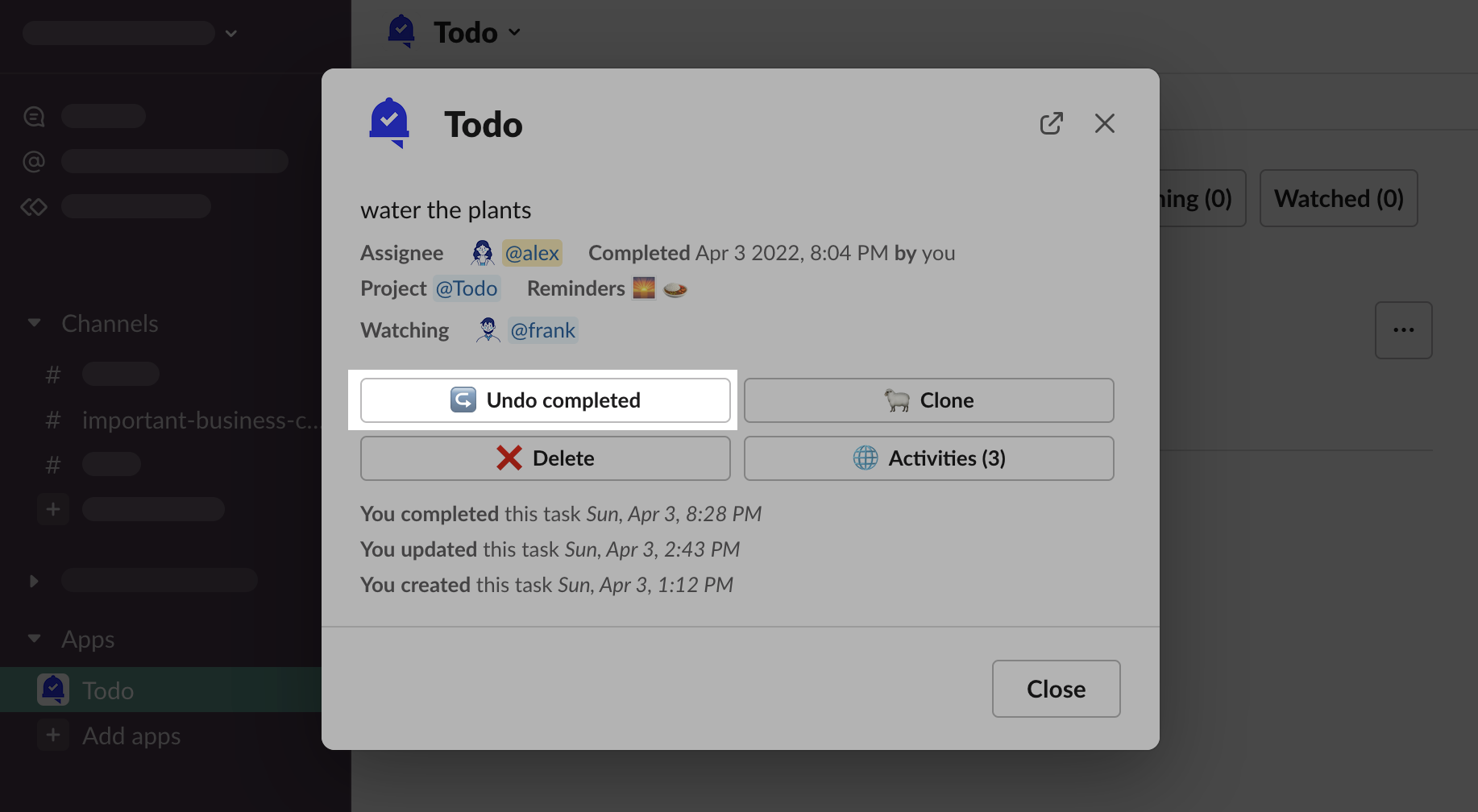
How to uncomplete a task?
Task completion can be reversed from the task details modal.