Help Center » Todo for Slack
How to create a task
Turn message into task
Message shortcuts…
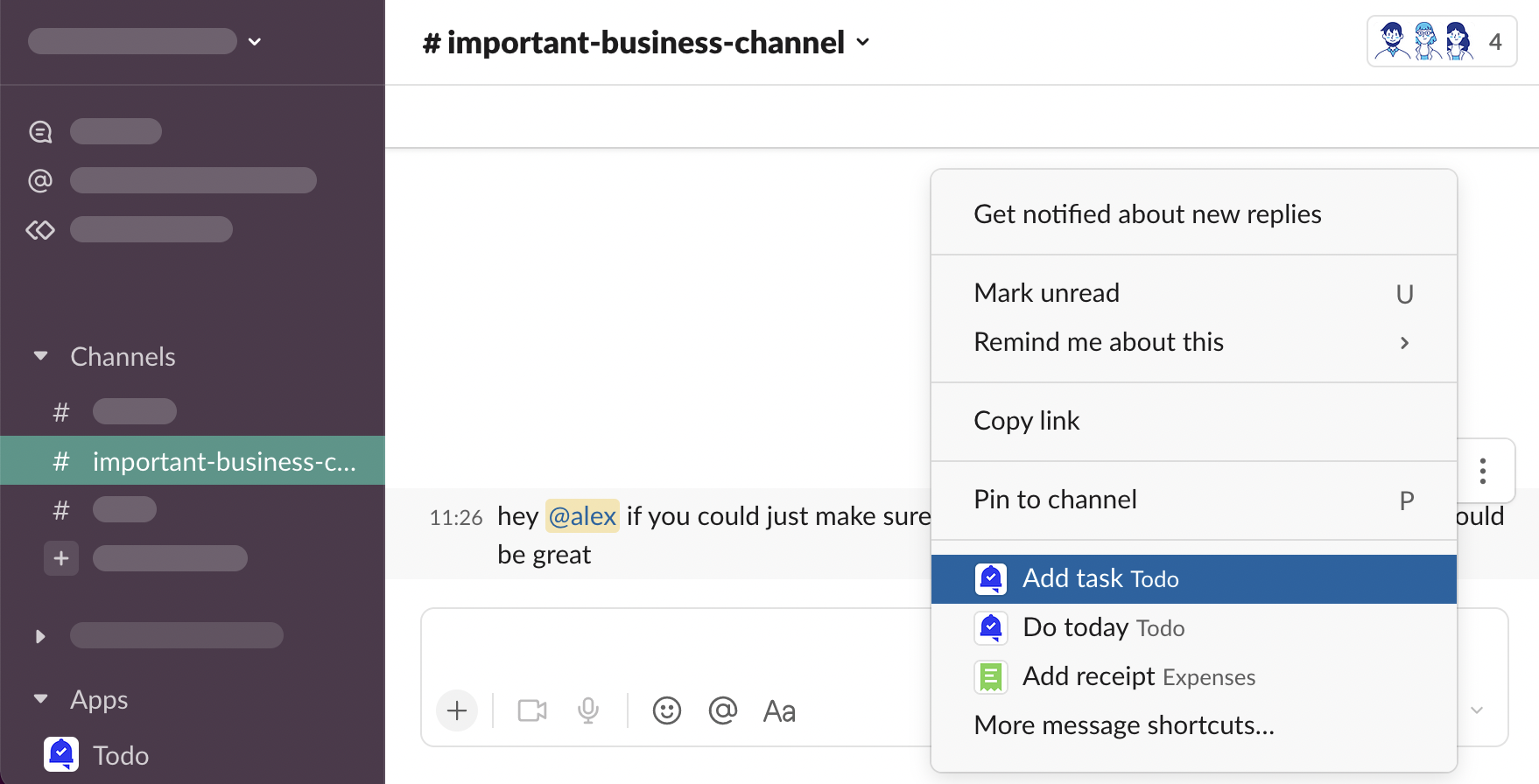
Todo adds 2 message shortcuts to your workspace - “Add task”, and “Do today.”
Hover over a message, click “⋮ More actions”
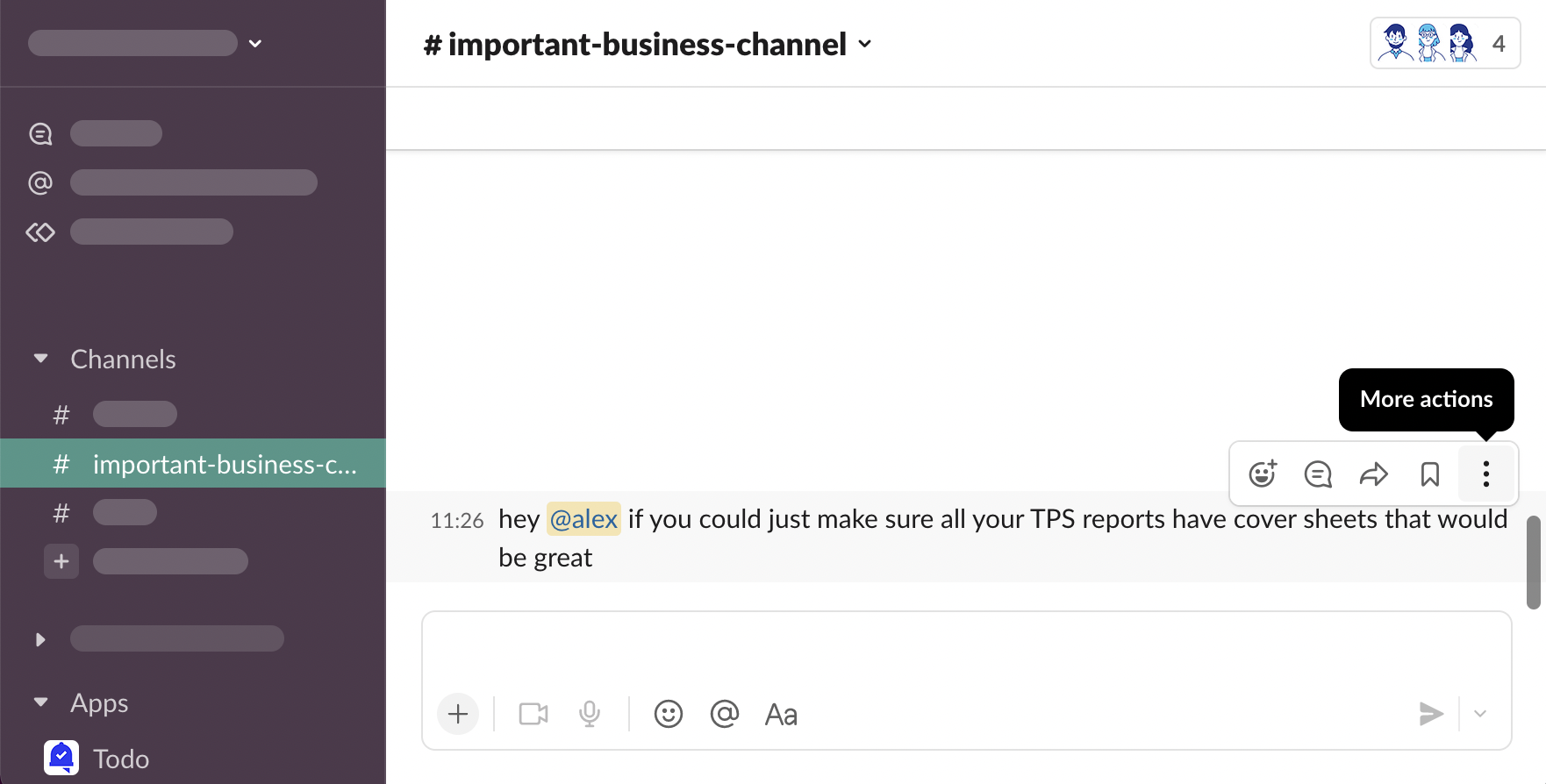
You will see message shortcuts you use most often. When starting working with Todo, likely you won’t see Todo on the list. Click “More message shortcuts…”
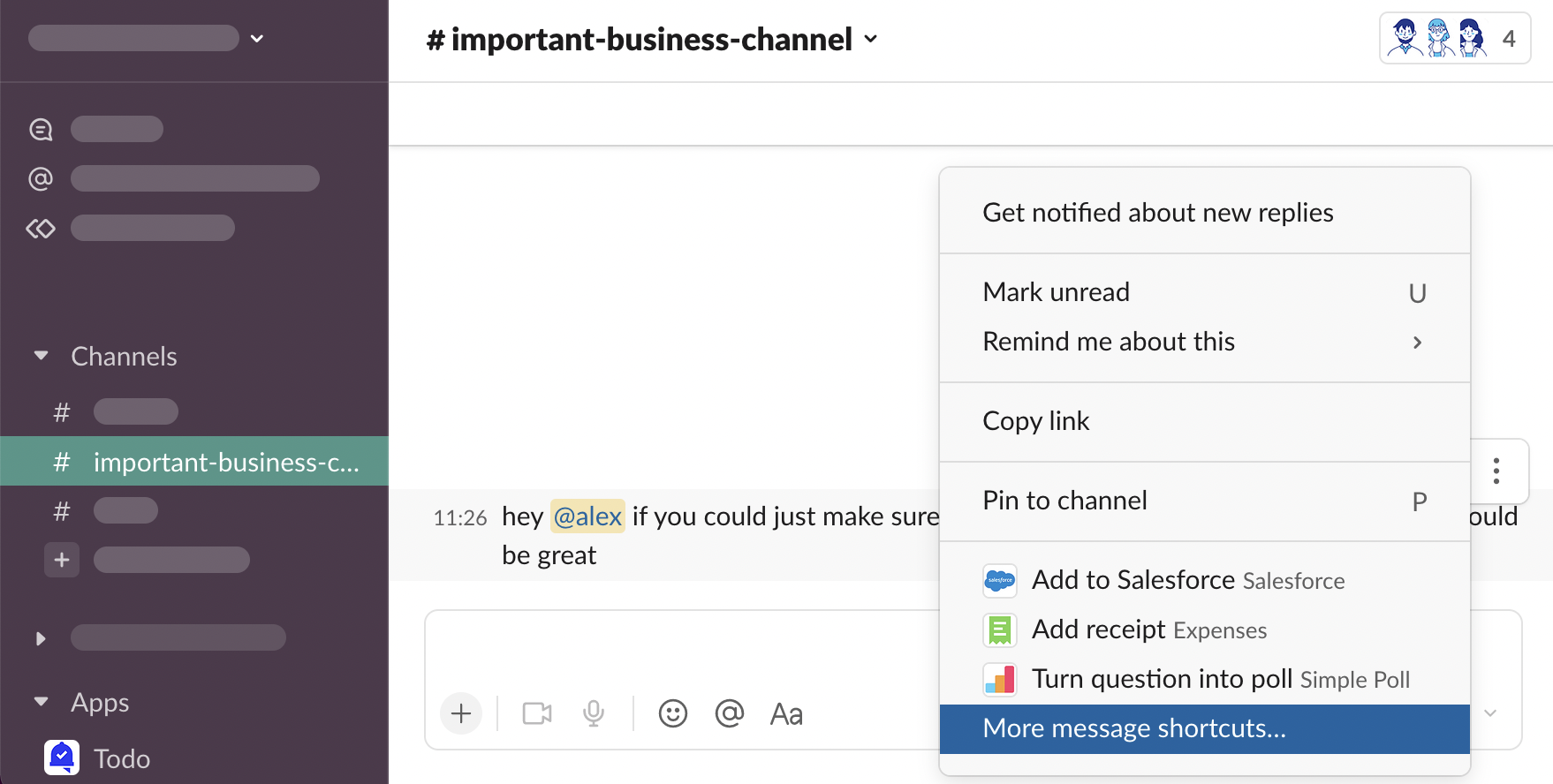
Scroll down to see Todo shortcuts…
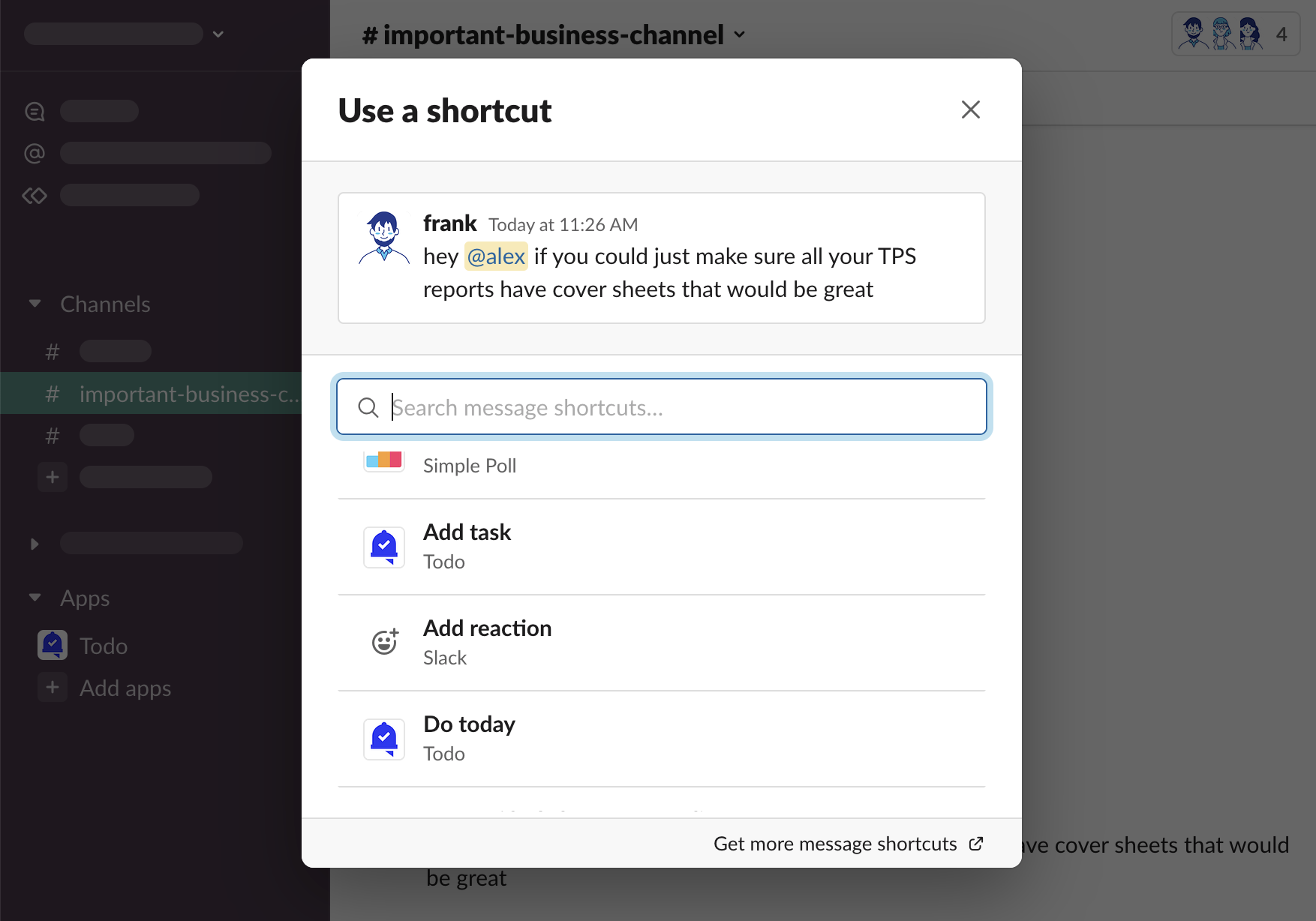
… or use search
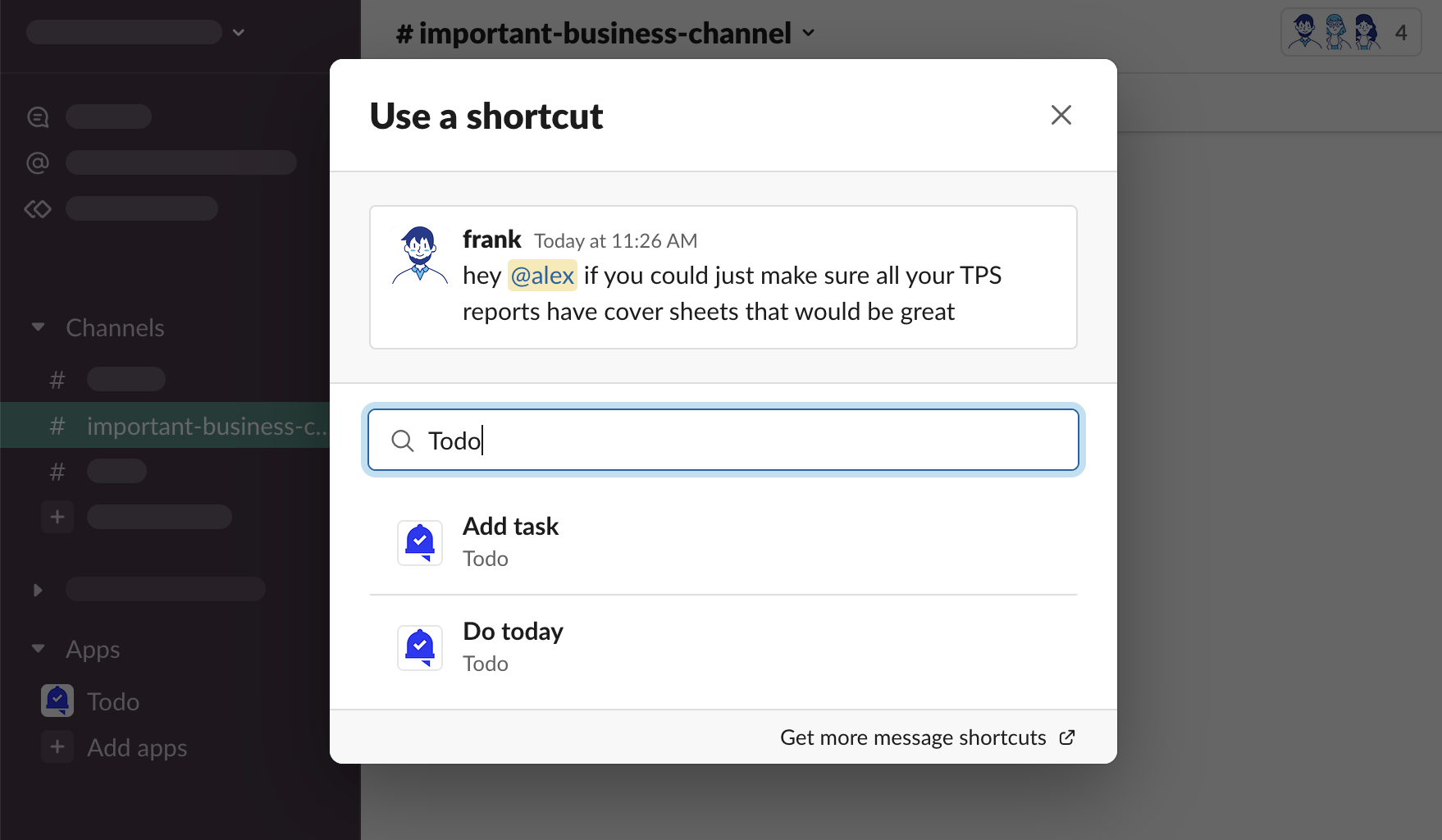
From there, you can choose Add task, or Do today.
Slack Help Center - Work with apps in Slack using shortcuts
Add task
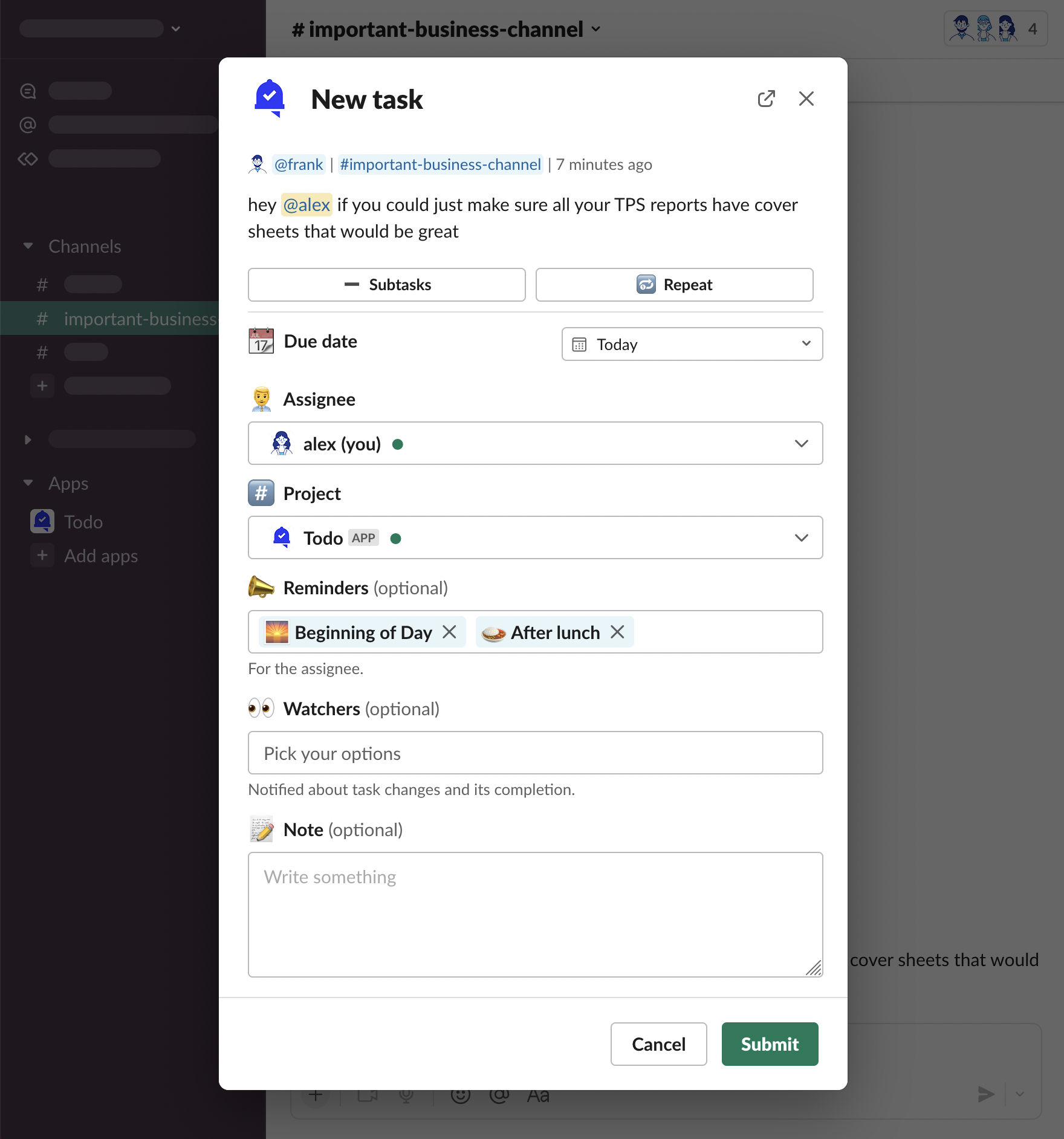
“Add task” message shortcut opens a task form modal, where all task attributes can be changed before saving the task.
Hover over a message, click “⋮ More actions”
“Add task”
New task modal will be opened. You can adjust its attributes and click “Submit”
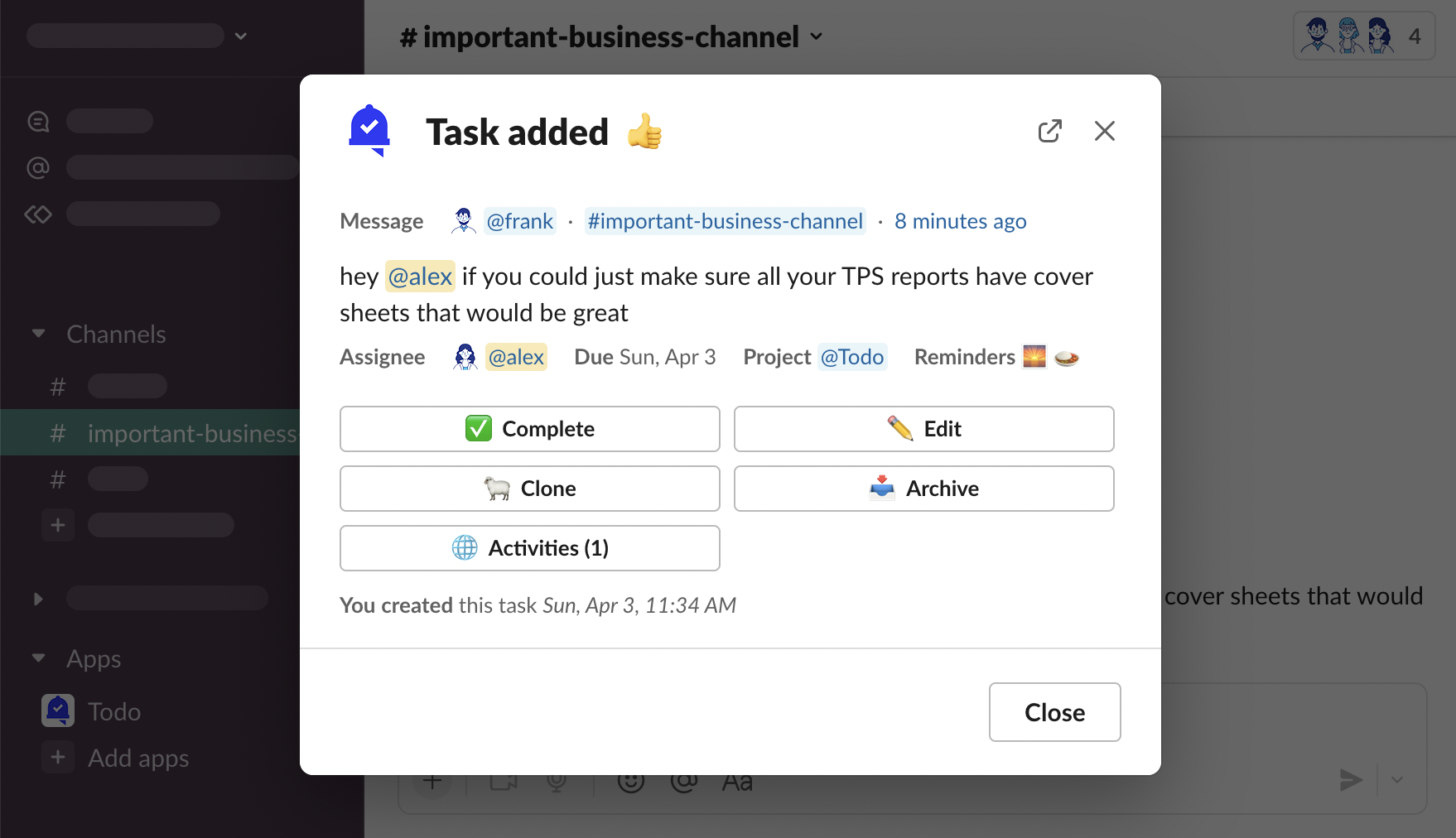
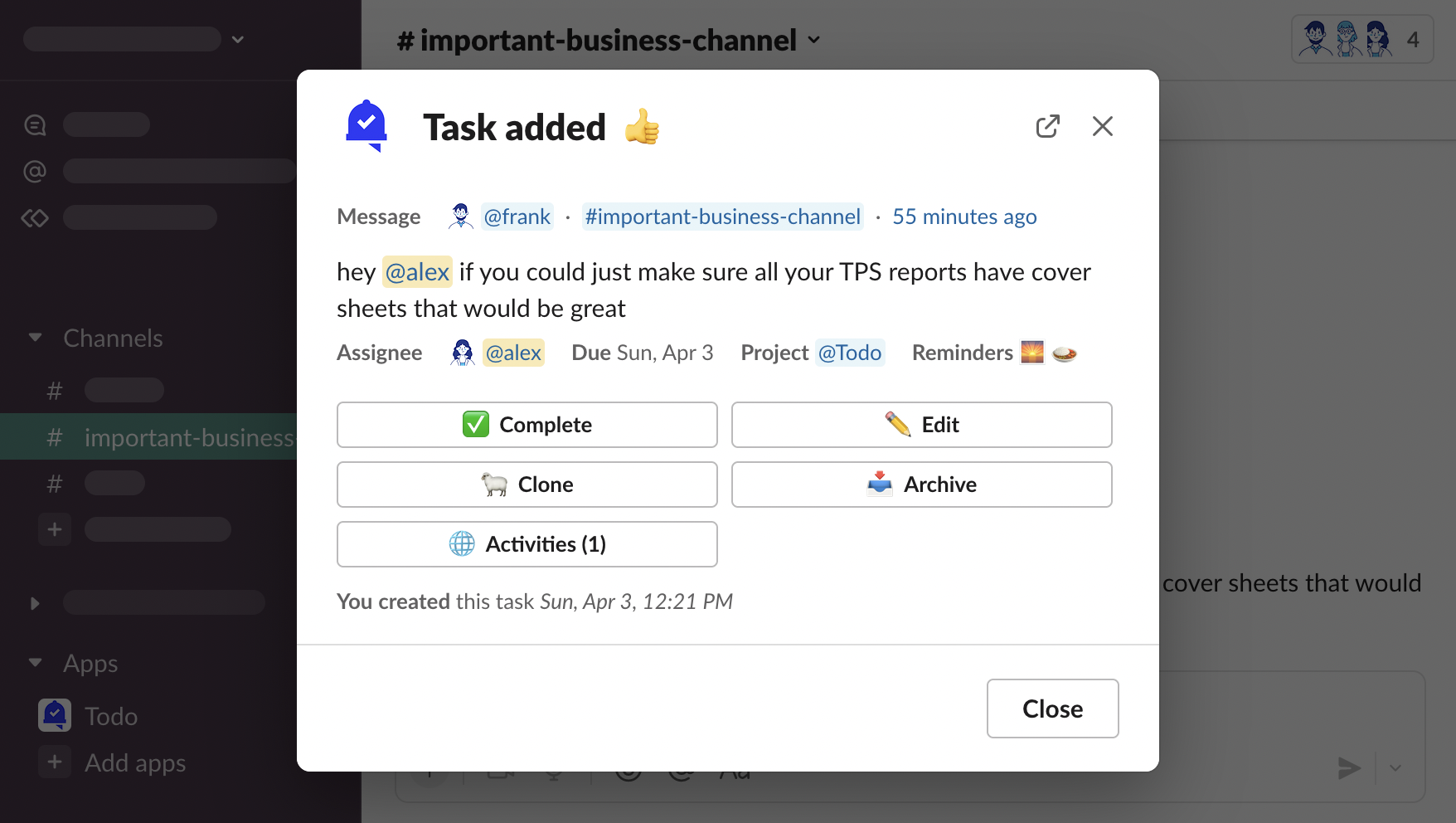
Task has been added
Do today
“Do today” message shortcut is a quick way to add tasks for yourself with these default attributes:
📅 Due date Today
🧑💼 Assignee You
#️⃣ Project Default project to message’s channel
📣 Reminders Default reminders
👀 Watchers Default watcher to message’s author
Hover over a message, click “⋮ More actions”
“Do today”
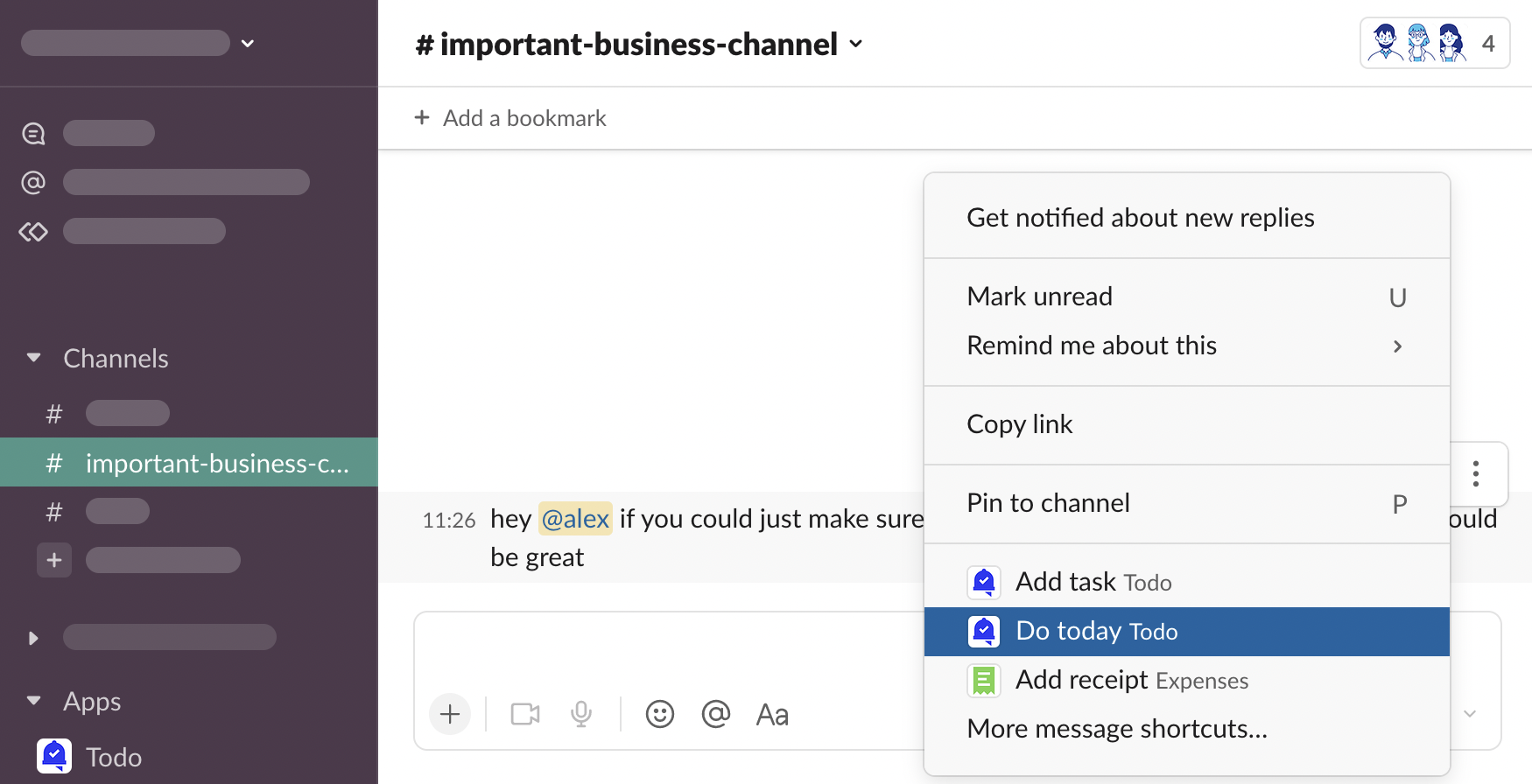
Task has been added.
Create task without a message
Other than turning messages into tasks, you can create tasks that are not connected to a Slack message - with your own task description.

There are multiple ways to create tasks with own description.
App Home
Open Todo > App Home, click “New task”
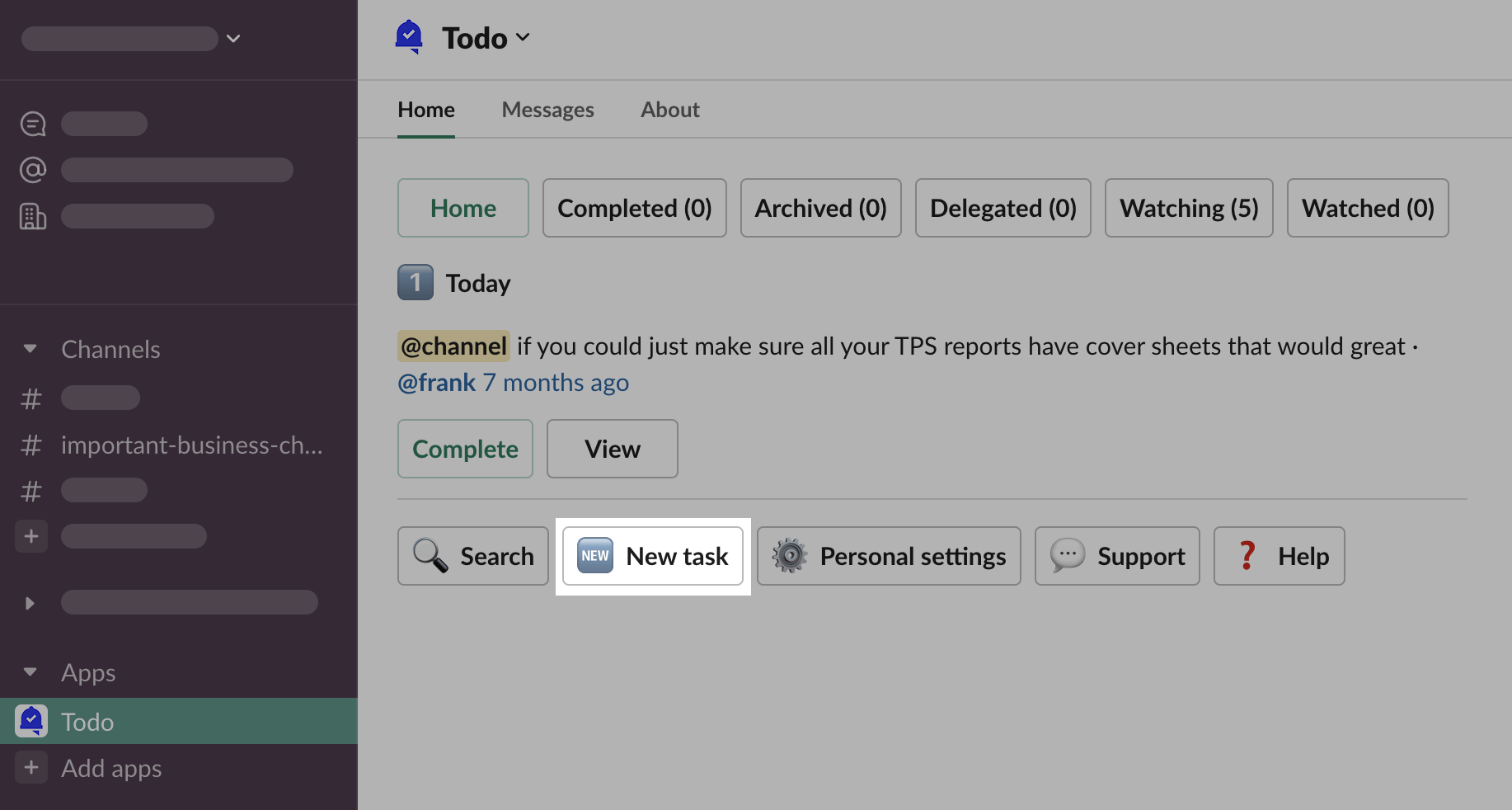
New task form modal will be opened.
Shortcuts
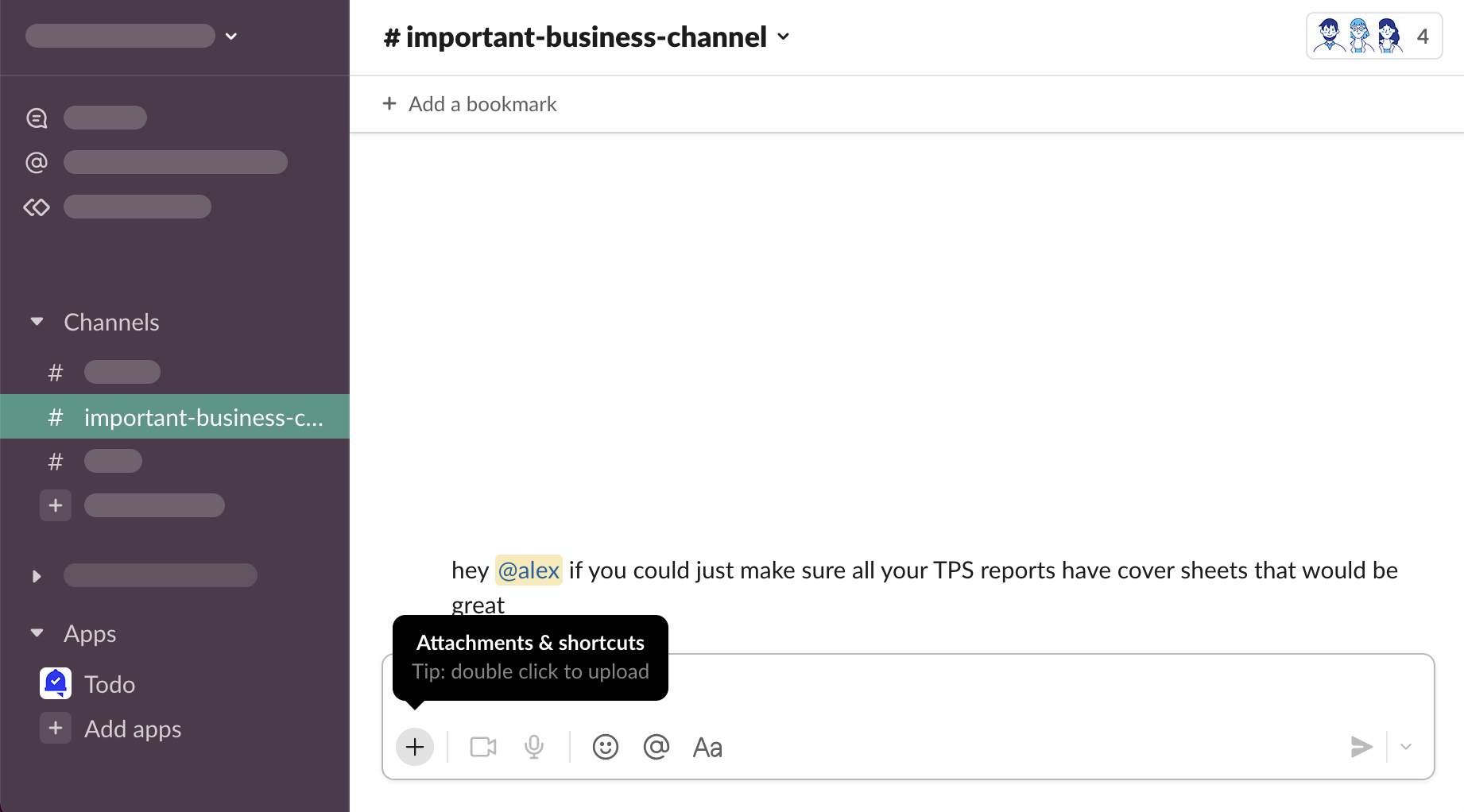
Open any channel, click “⊕ Attachments & shortcuts”
Search “Todo”, click “Add task with Todo”…
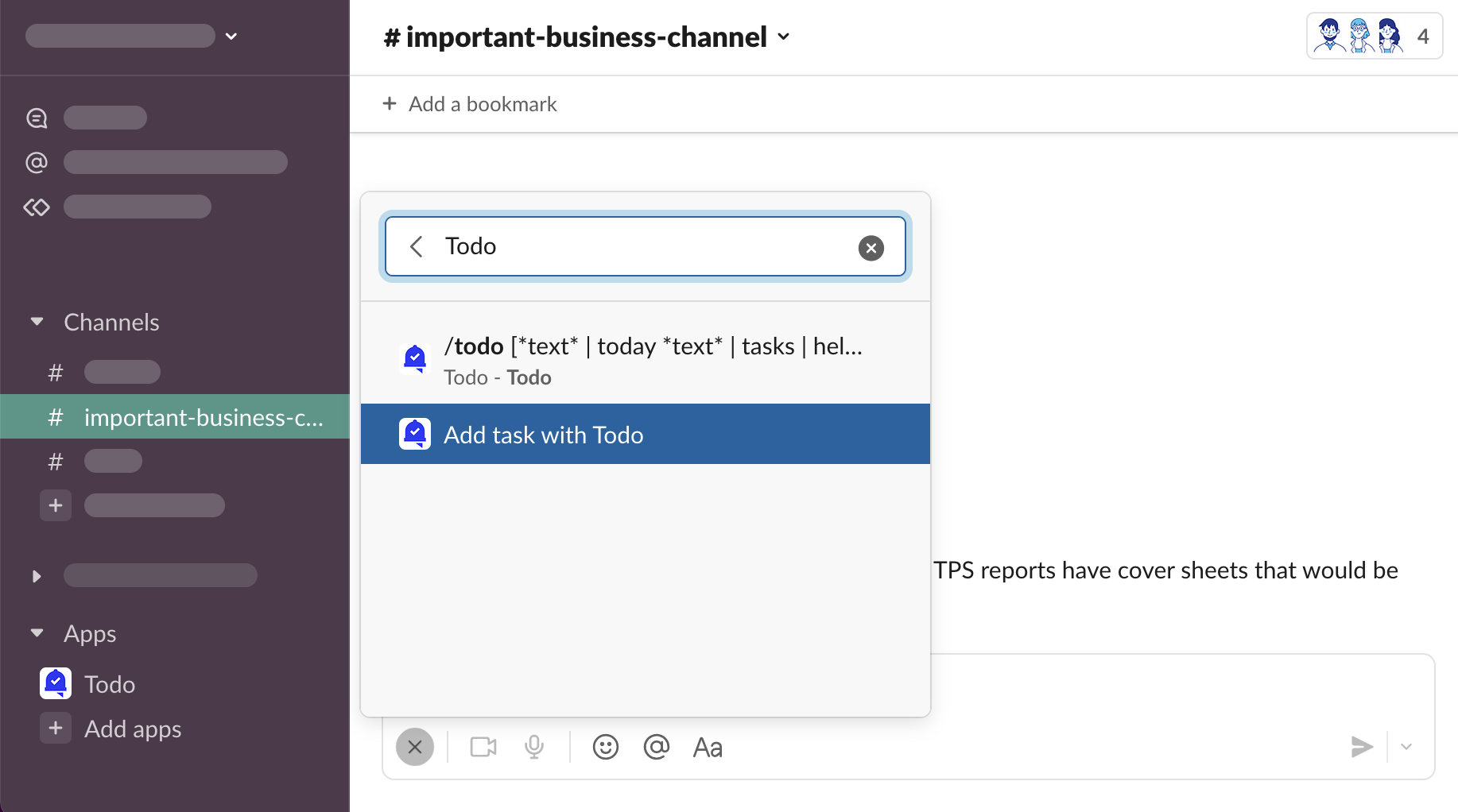
… or click “⋯ Browse all shortcuts” > “Todo” > “Add task”
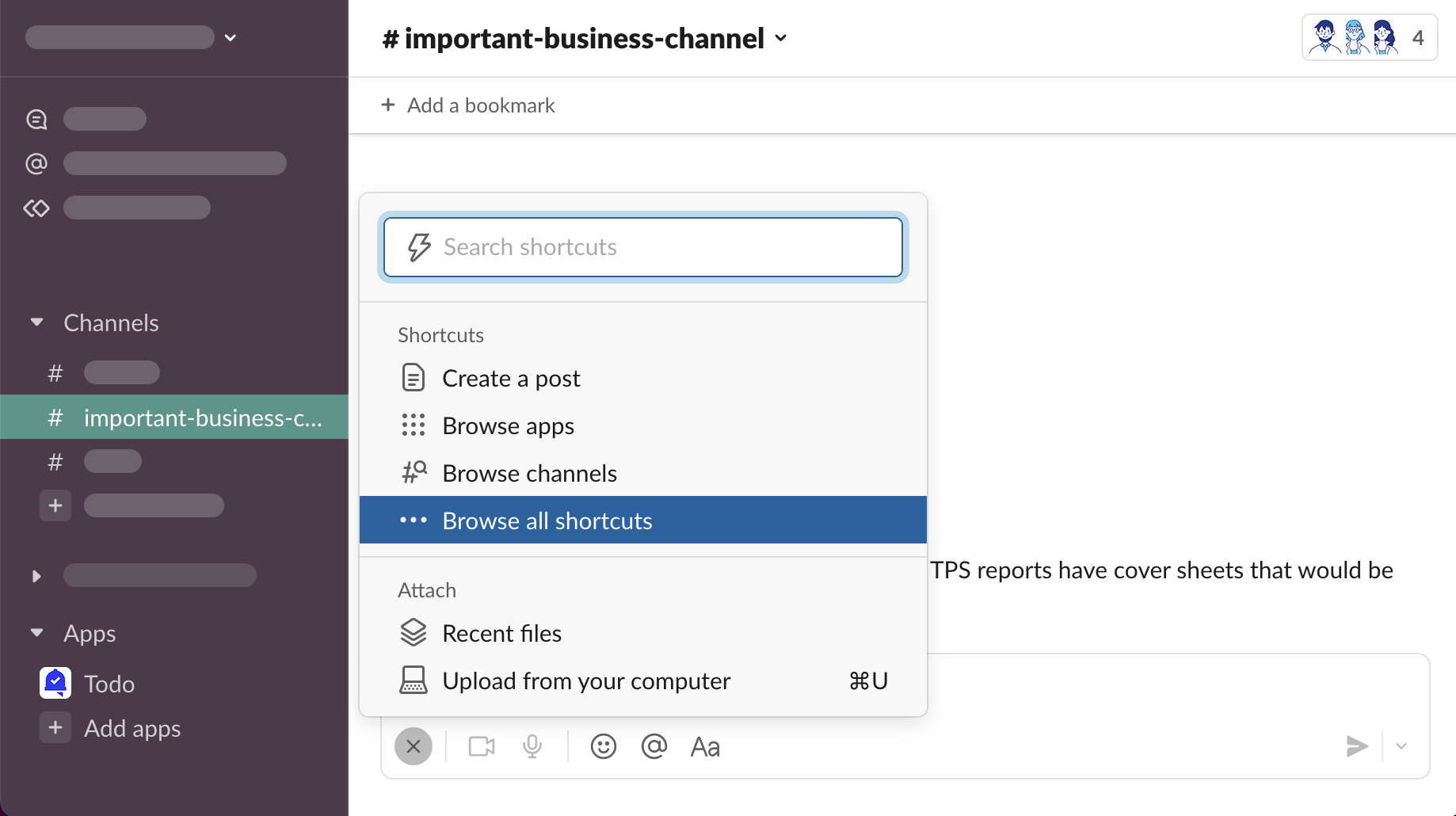
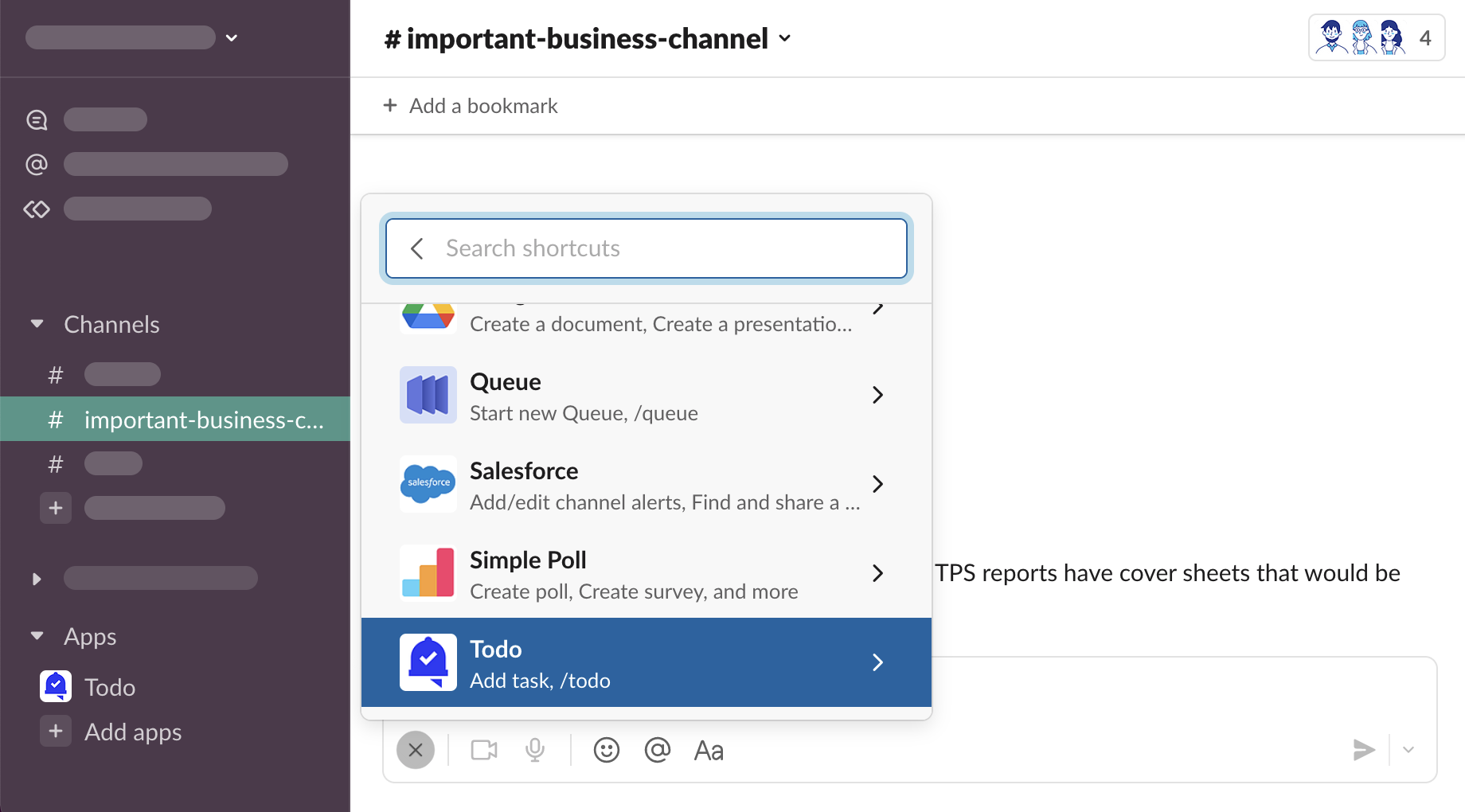
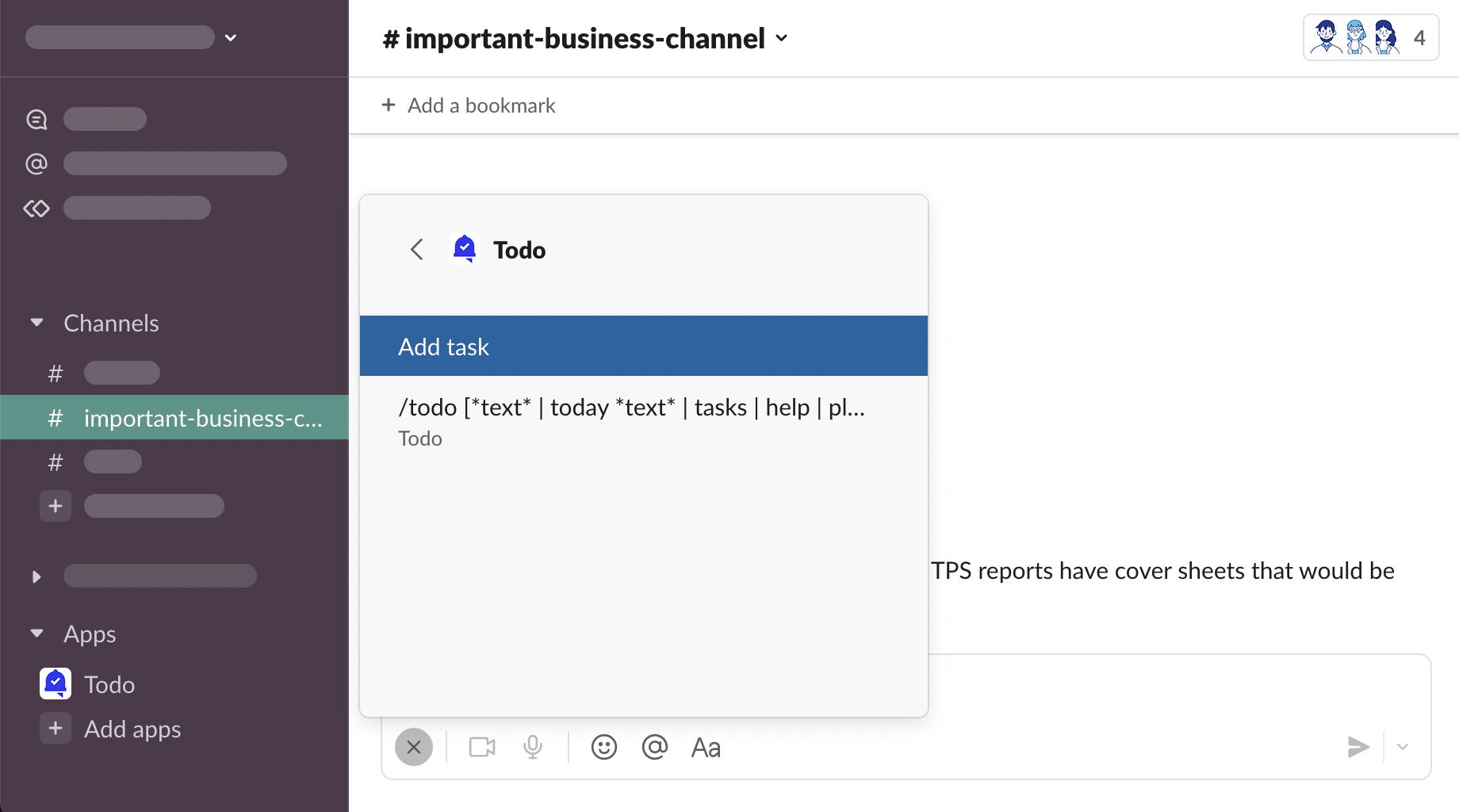
New task form modal will be opened.
Slack Help Center - Work with apps in Slack using shortcuts
Slash commands
/todo
Open any channel, type
/todointo the message composer box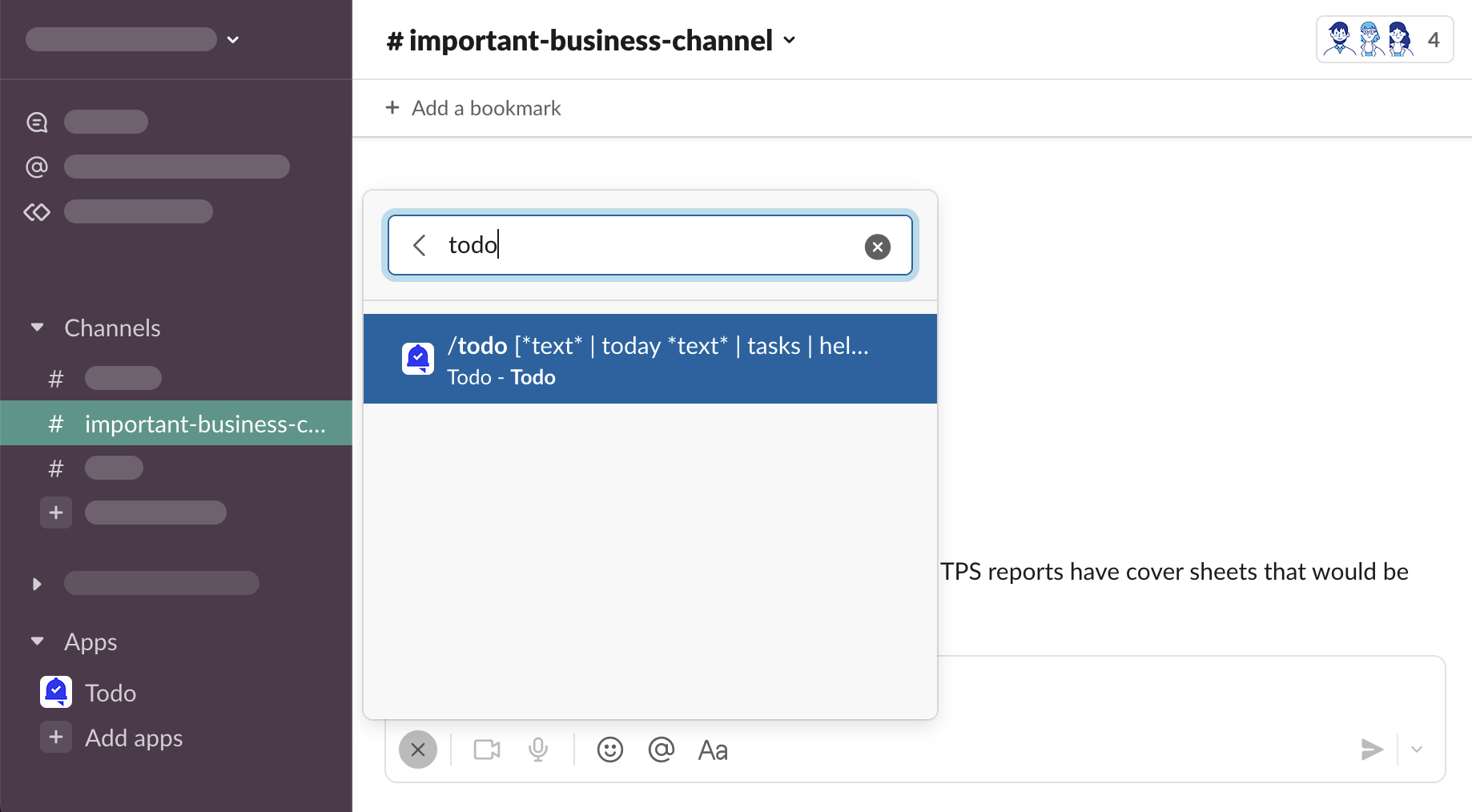
Press “⮐ Return” on your keyboard, shortcut search will close and “/todo” text will be added to the message composer
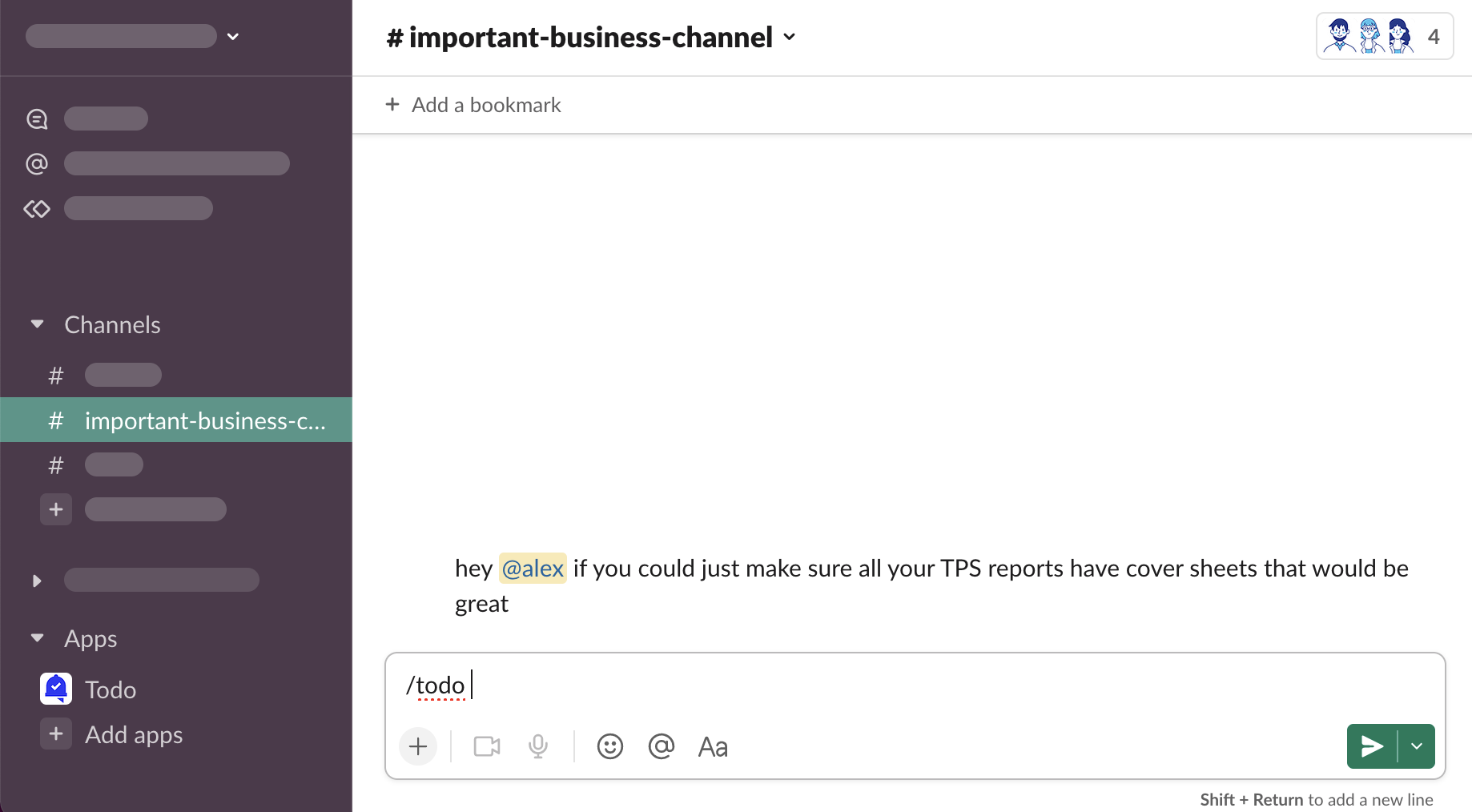
Press “⮐ Return” again, new task form modal will be opened.
/todo *text*
Open any channel, type
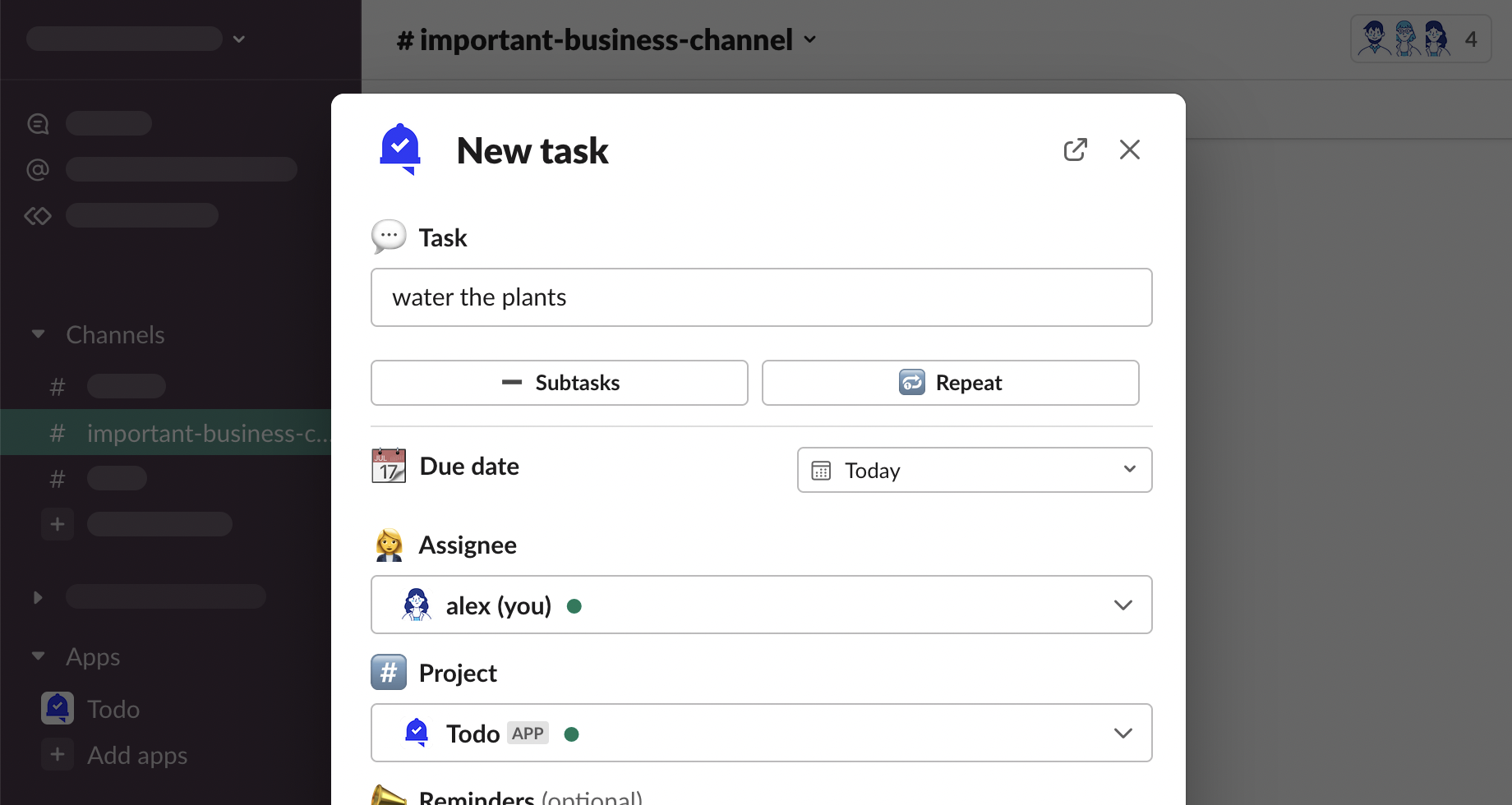
/todo water the plantsinto the message composer box, press “⮐ Return” on your keyboard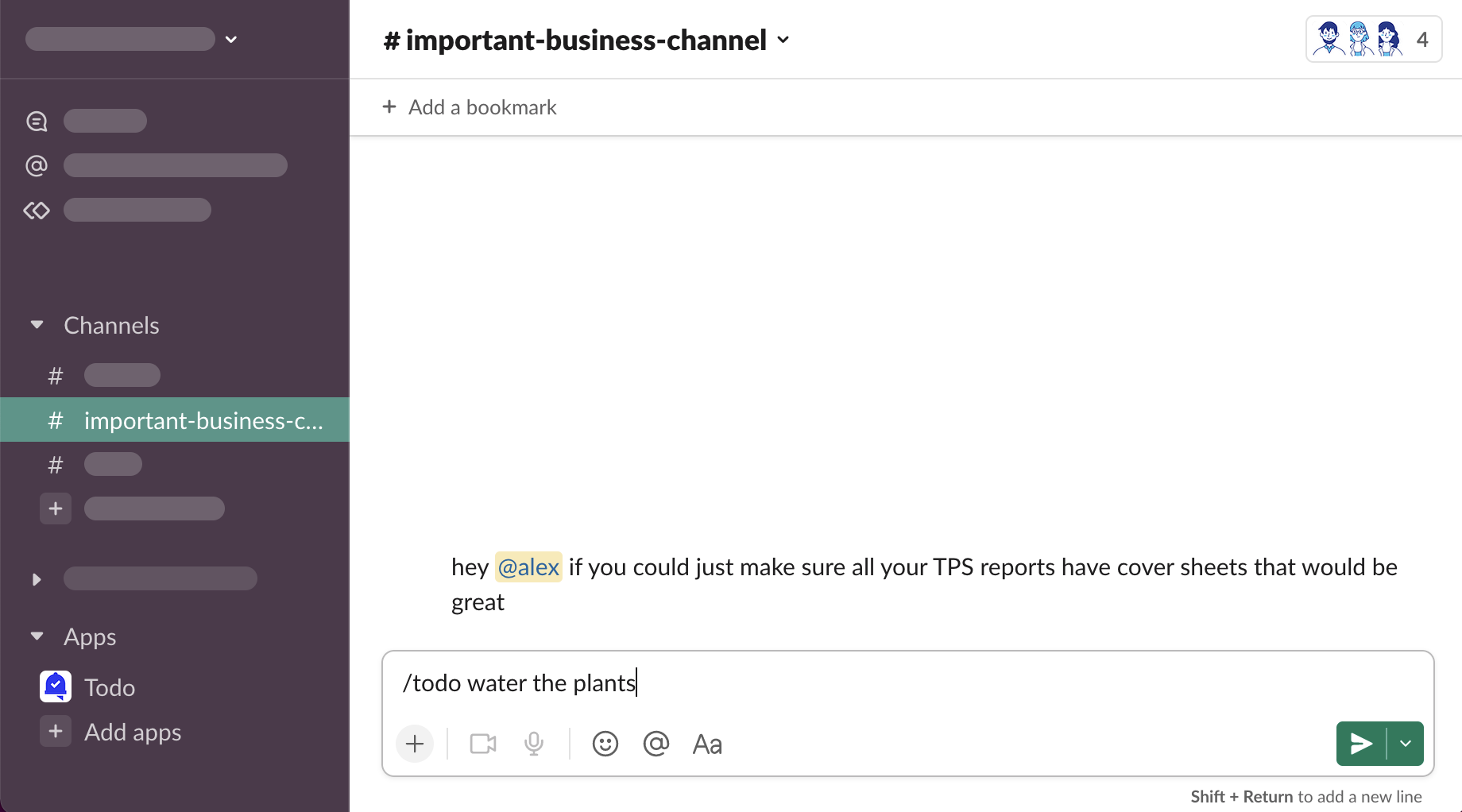
New task form modal will be opened with “water the plants” task description.
/todo today *text*
Open any channel, type
/todo today water the plantsinto the message composer box, press “⮐ Return” on your keyboard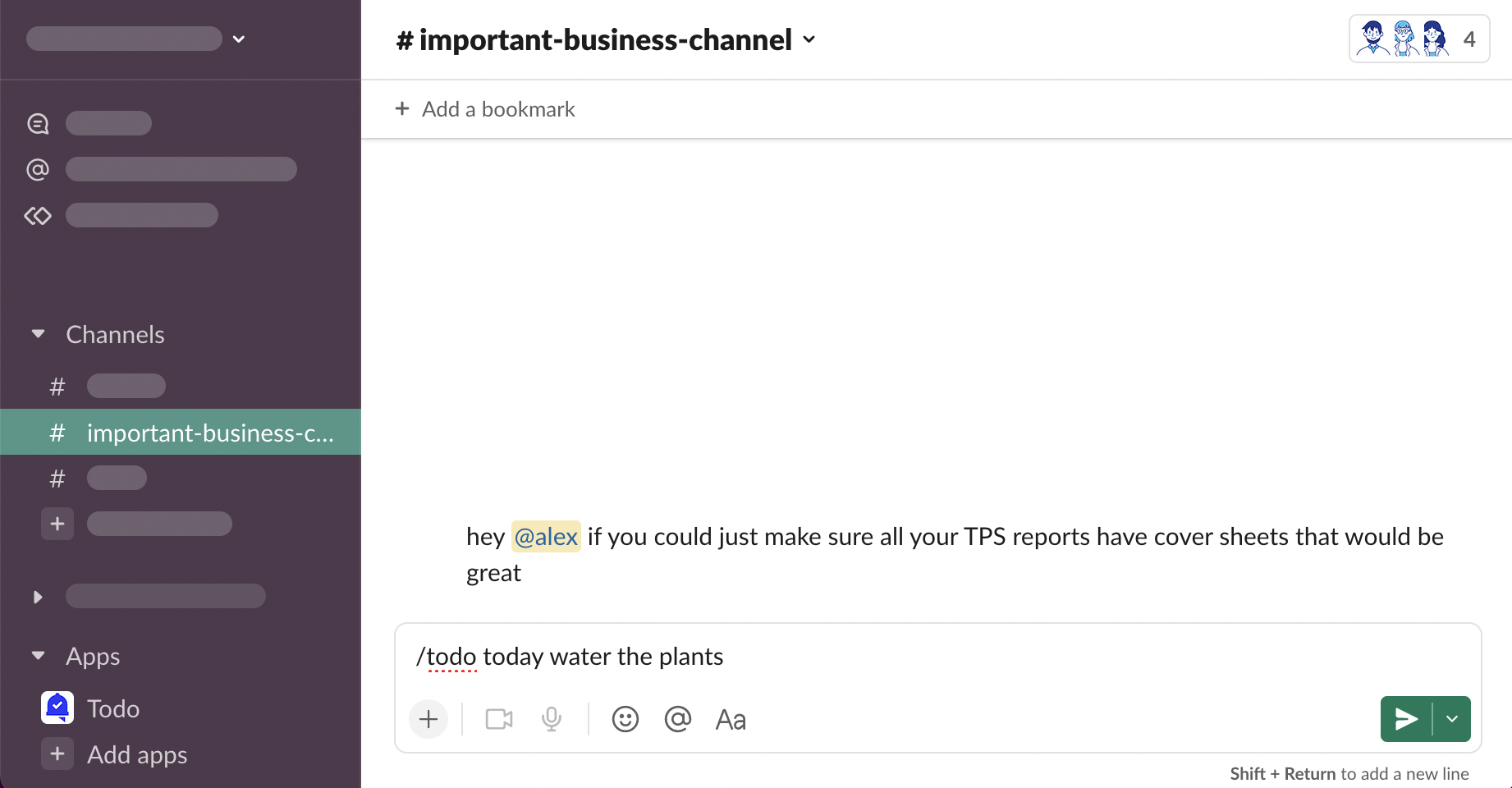
Task with “water the plants” description will be added for you for today.
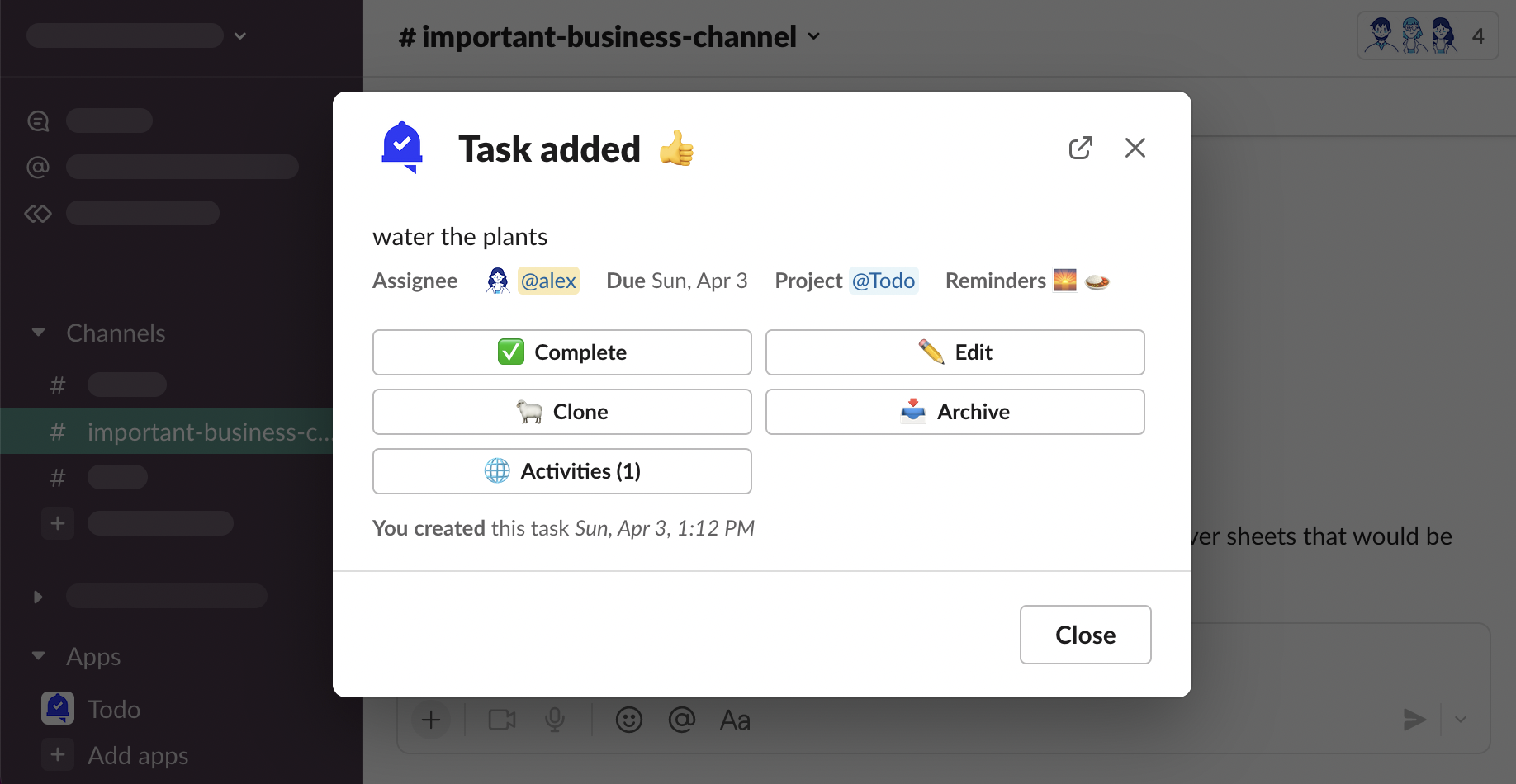
Slack Help Center - Slash commands in Slack
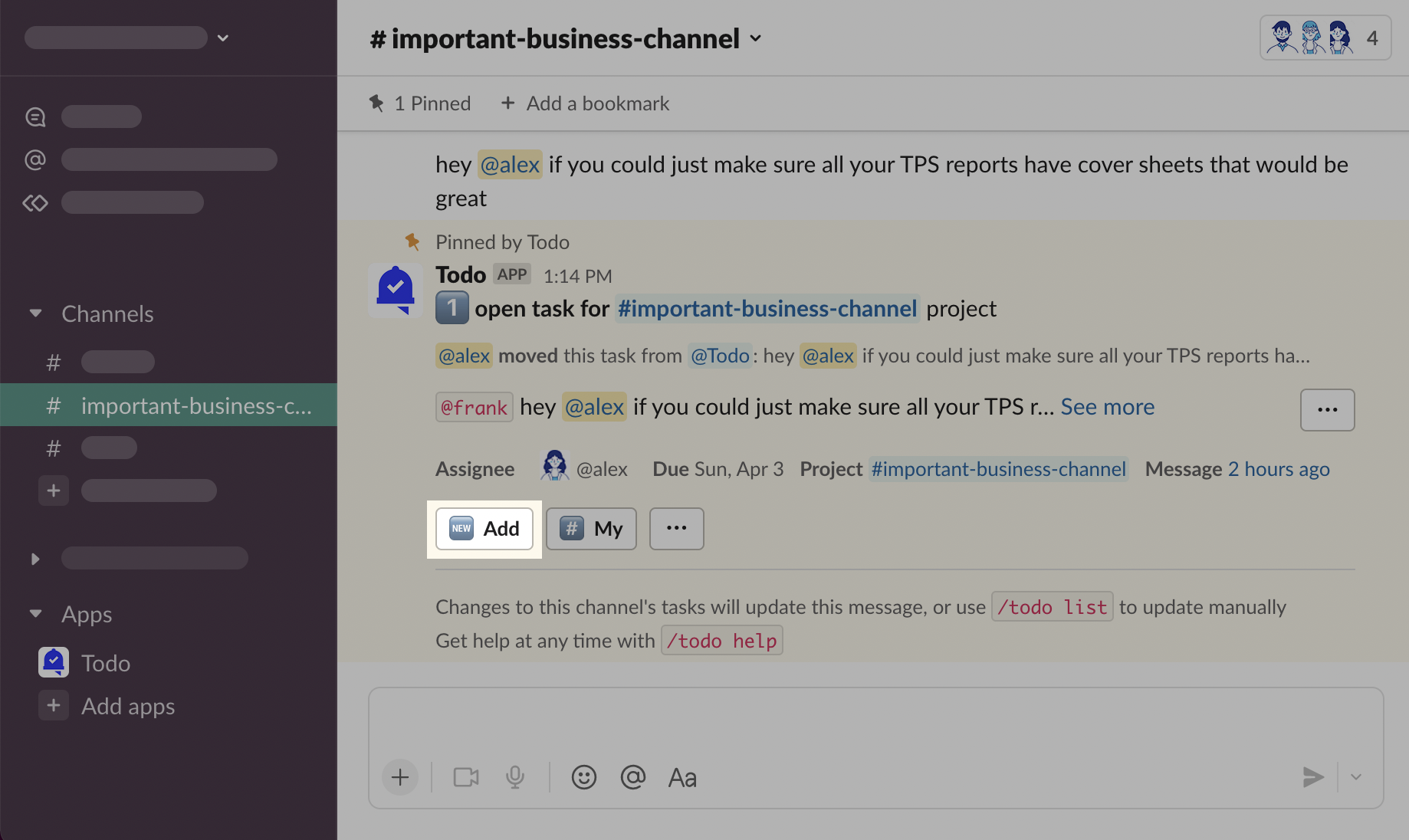
Project Message
Click “🆕 Add” in Primary Project Message
Notifications
Watchers
If you add watchers to the task, they will receive a notification message that they became a watcher.


Assignee
If you create a task for somebody else (delegate it), the assignee will receive a notification.

Primary Project Message
If you set the task’s project to be a channel, Todo will send a Primary Project Message to the channel.

See: Projects
See: Notifications and Activities