Help Center » Todo for Slack
How to edit a task
All the task attributes can be edited after the task has been created.
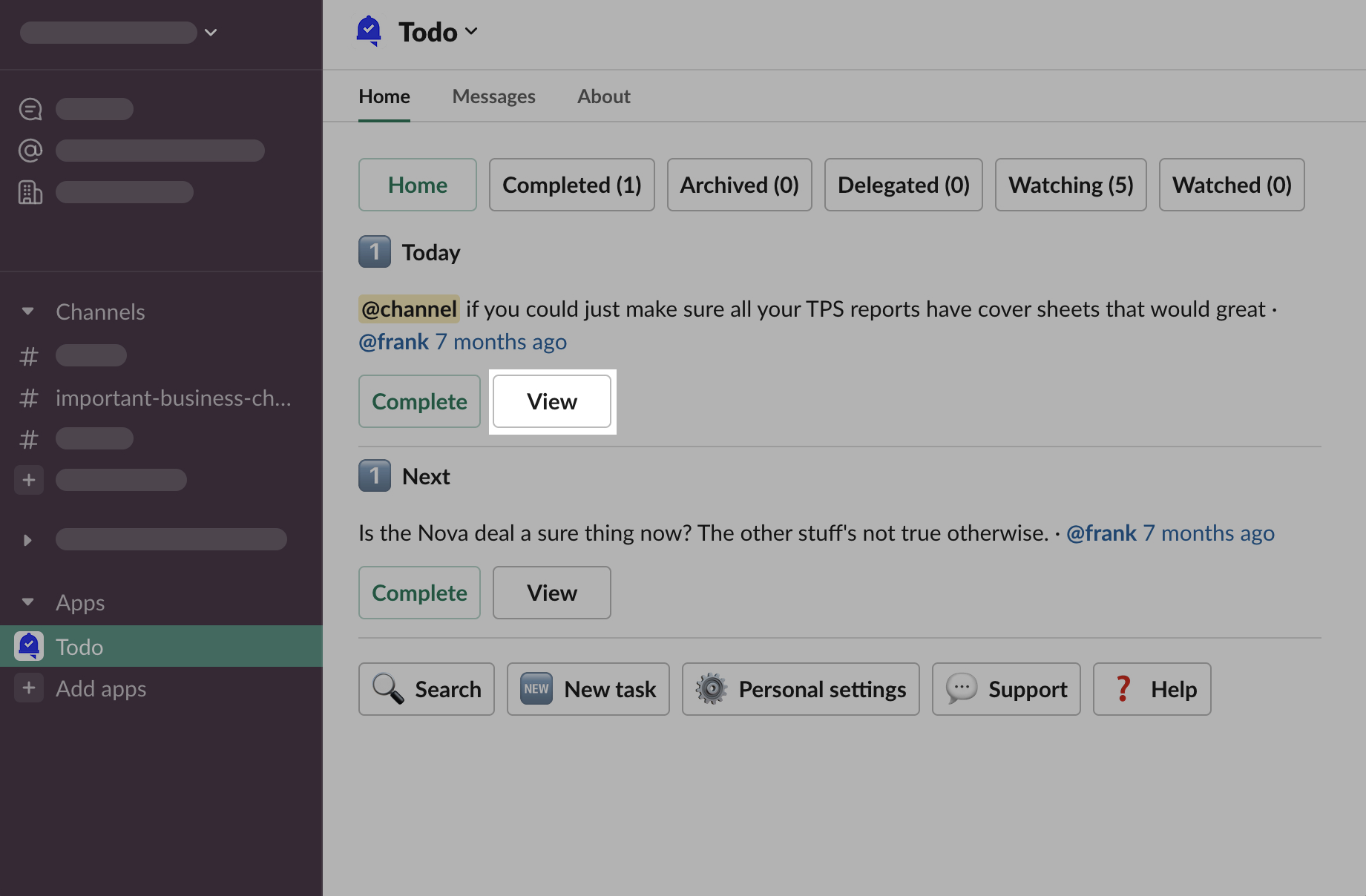
Open App Home, click “View” button under the task
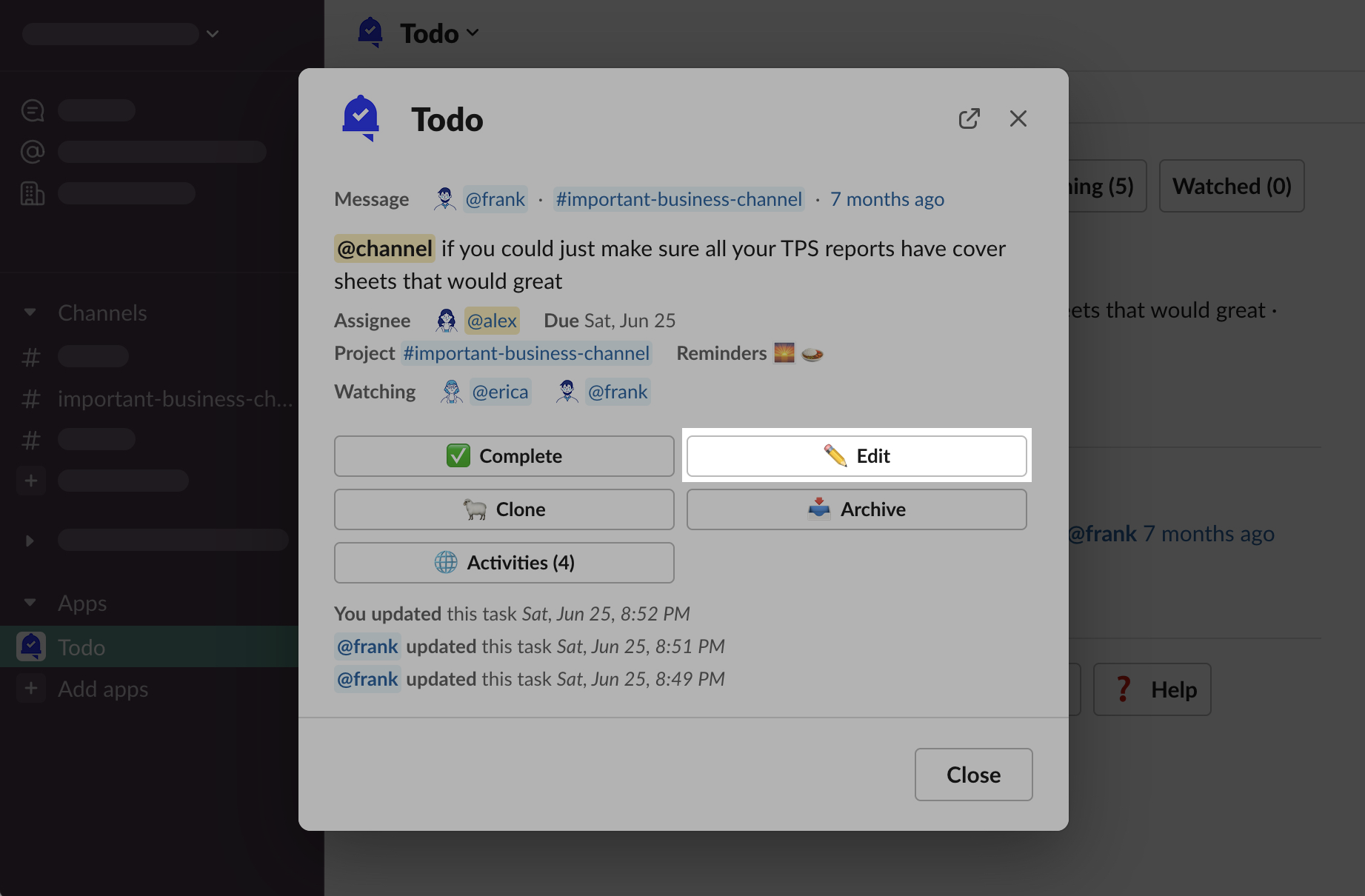
Click “✏️ Edit” button
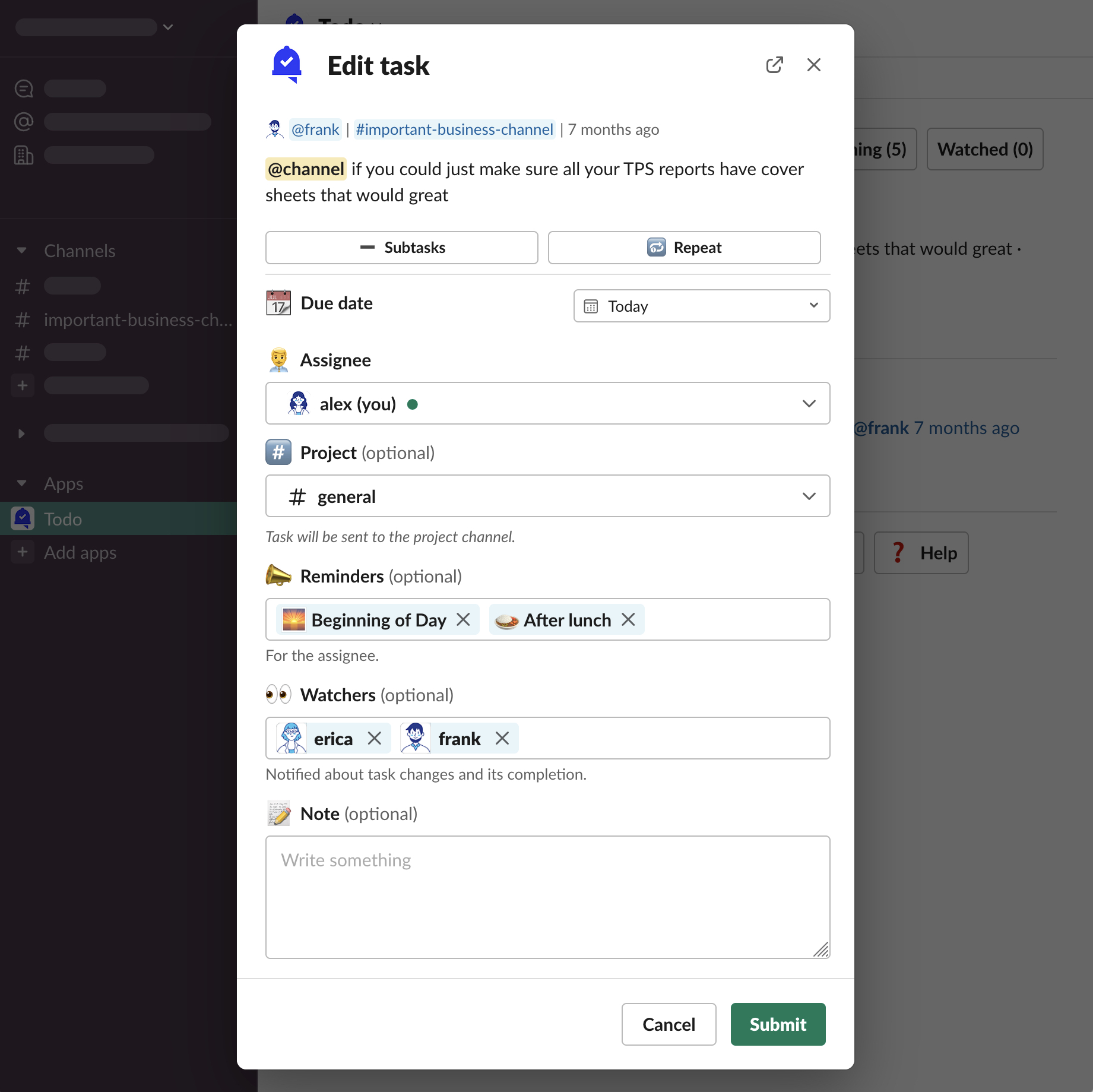
“Edit task” form modal will be opened.
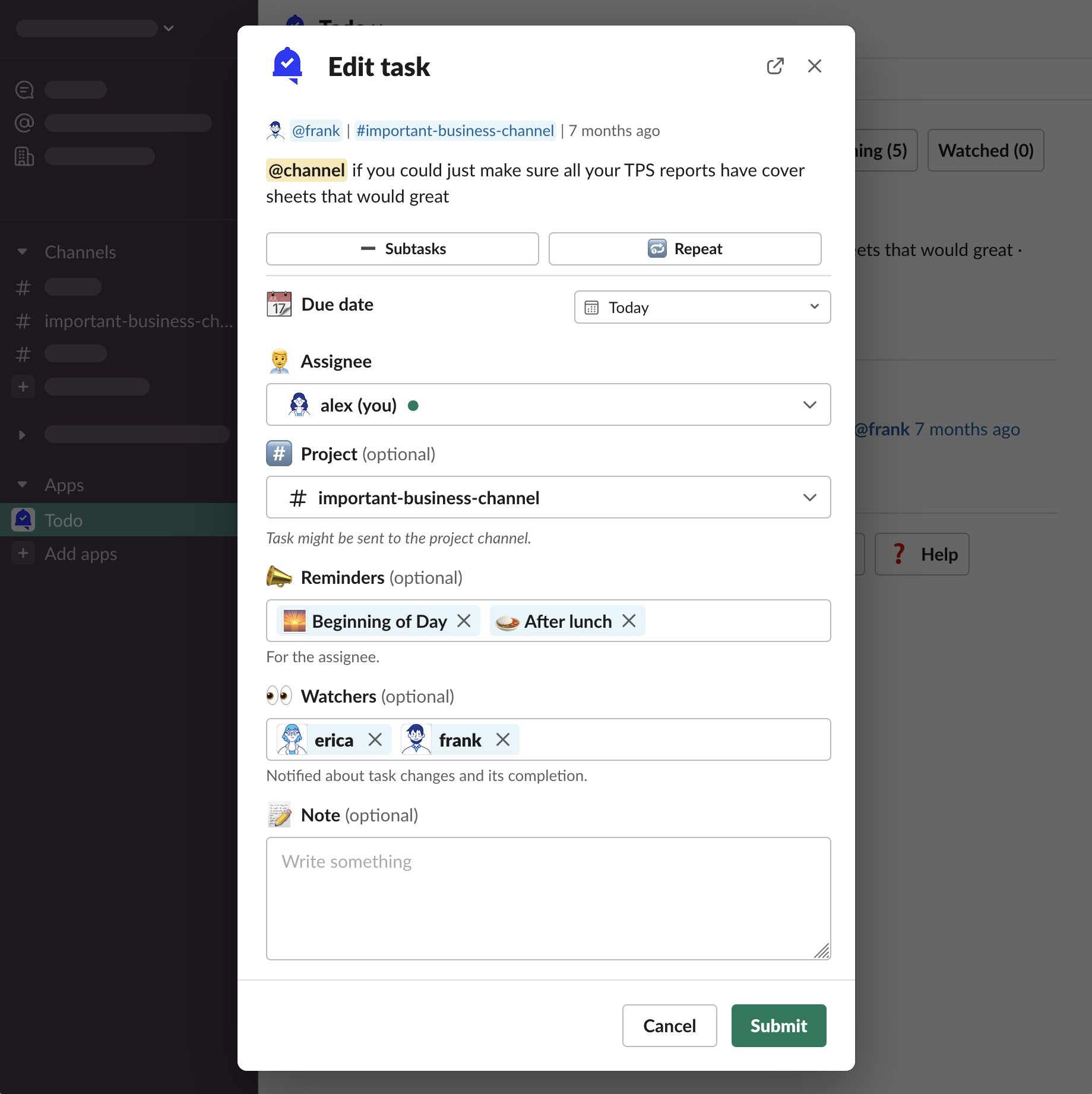
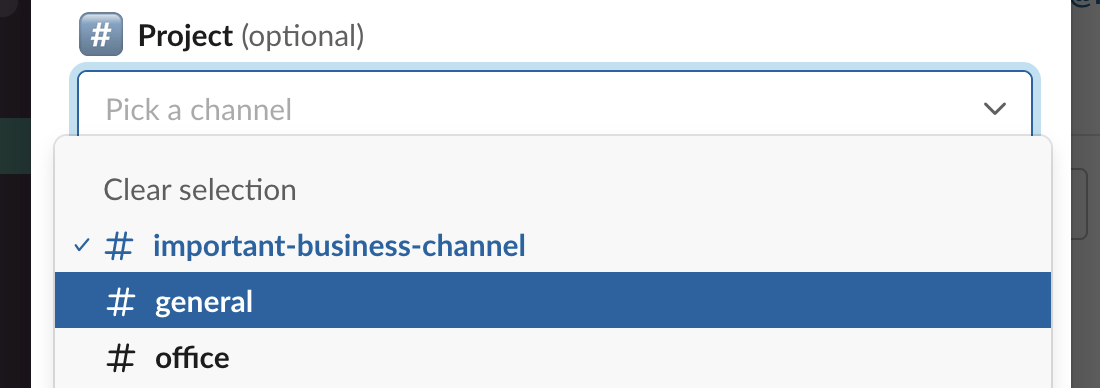
Let’s change the 📅 Due date and a #️⃣ Project and click “Submit”
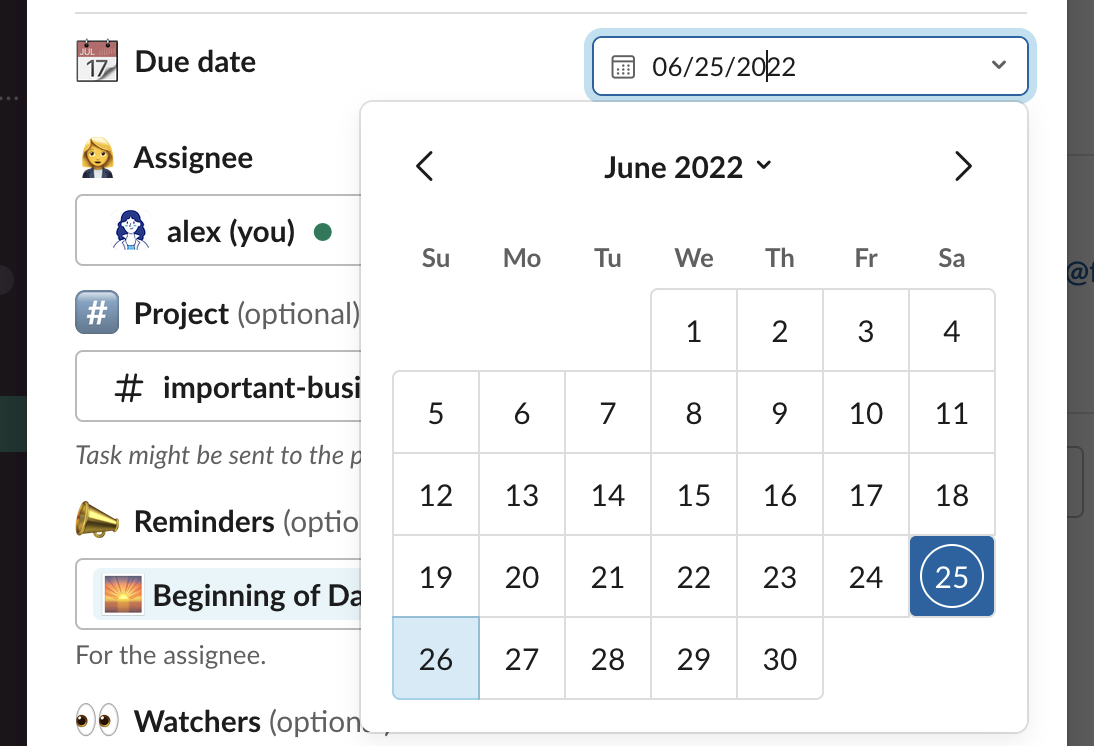
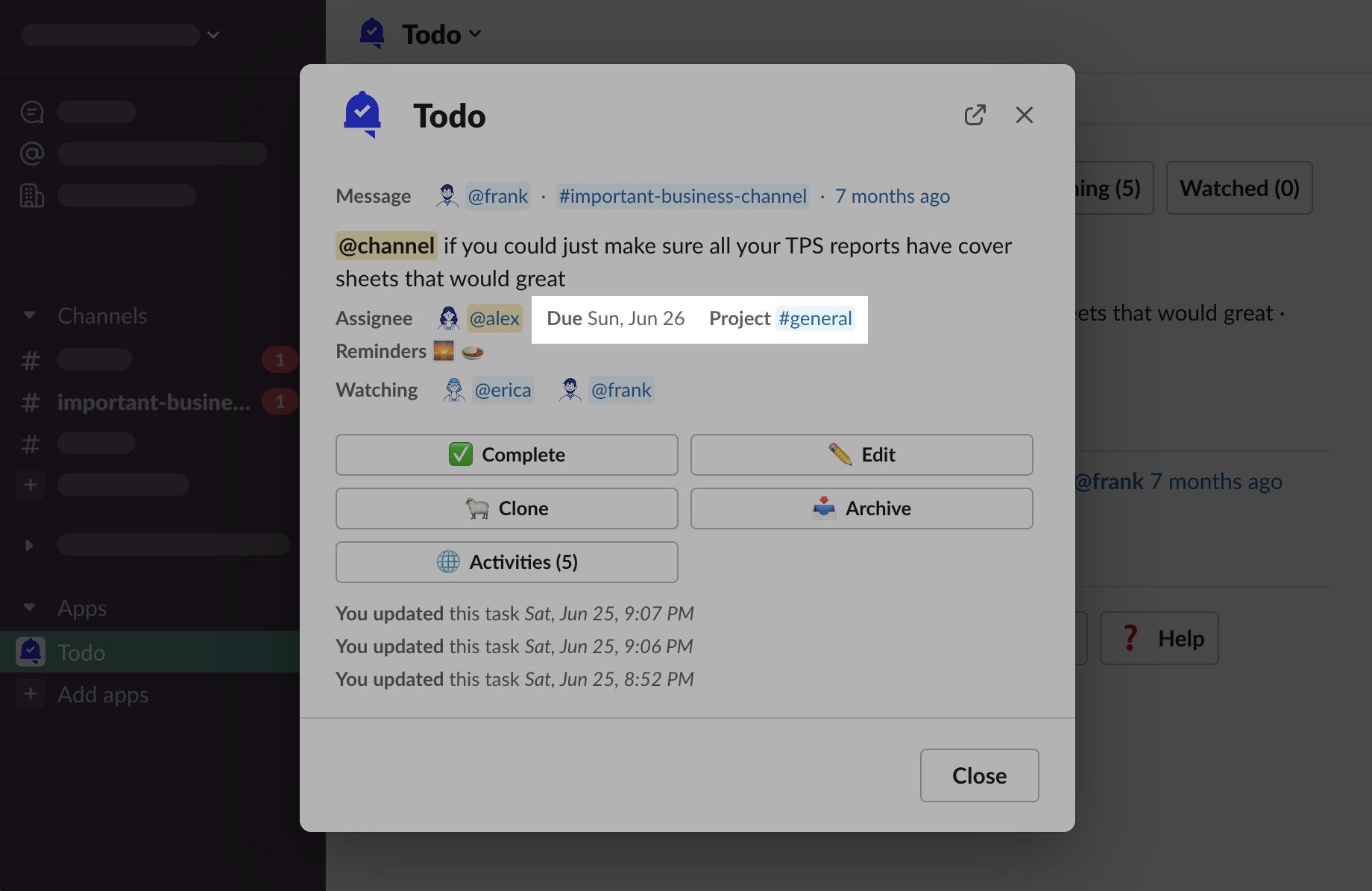
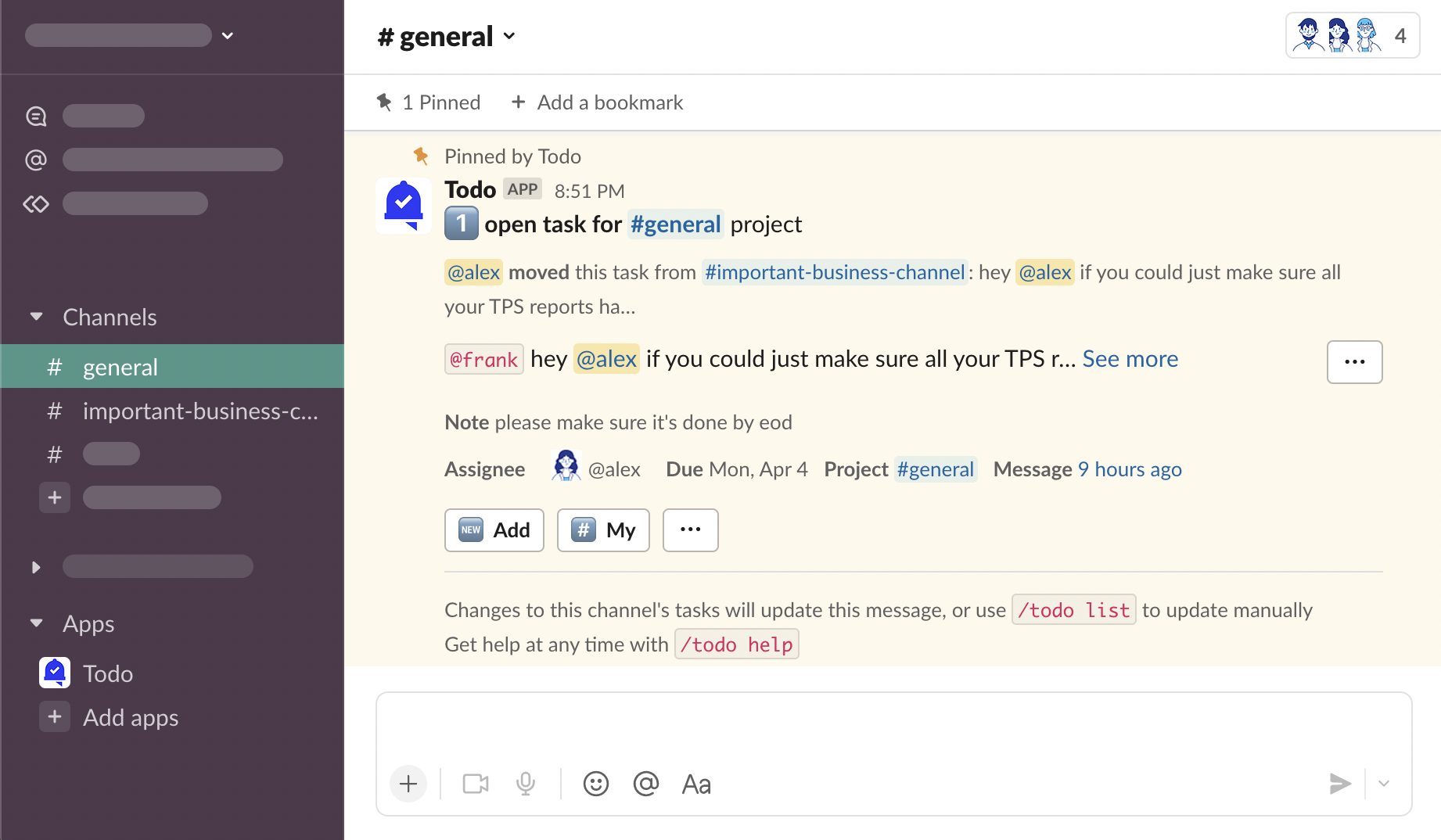
You can see the updated task information
Additionally, watchers have received a notification message about the changes
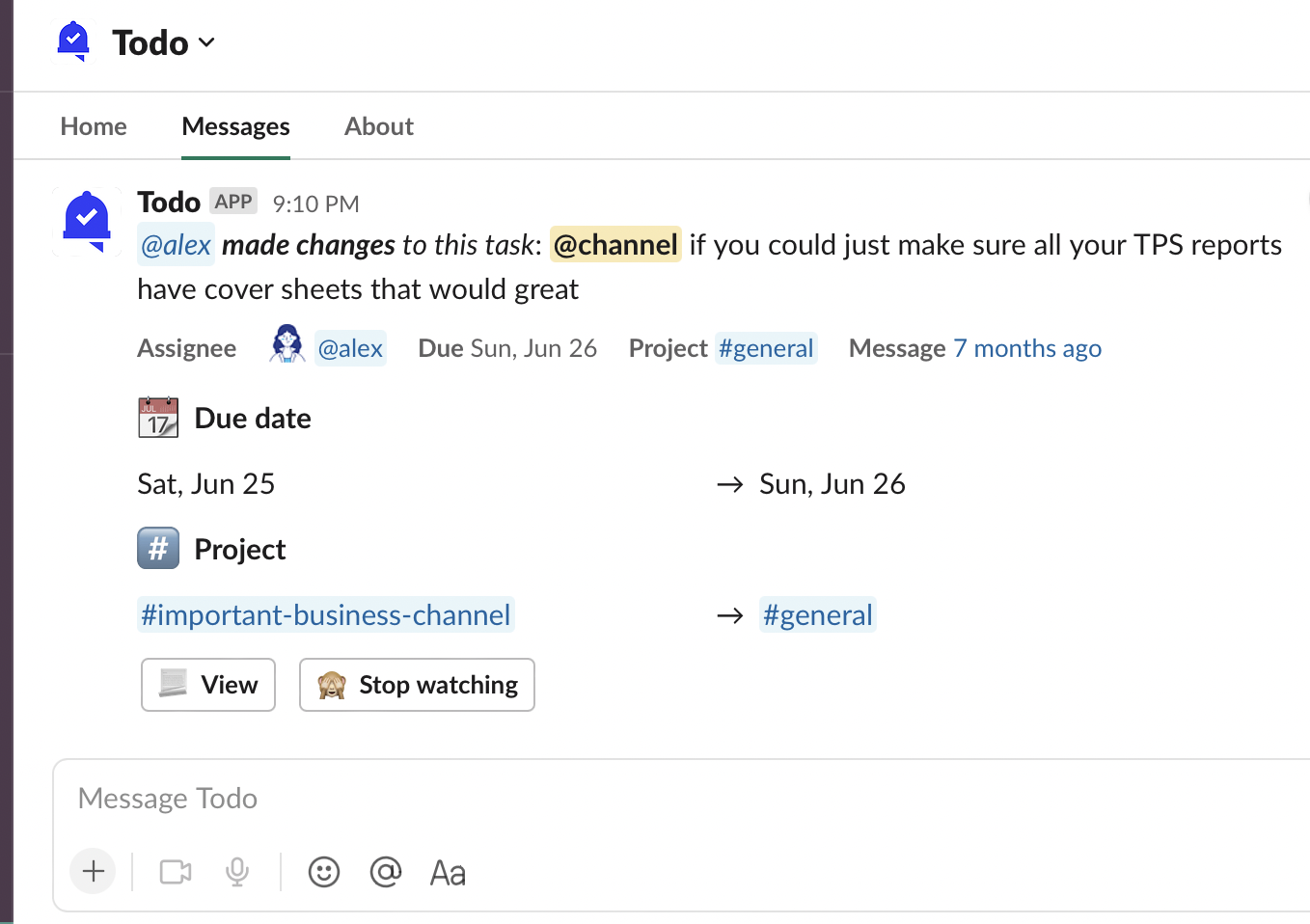
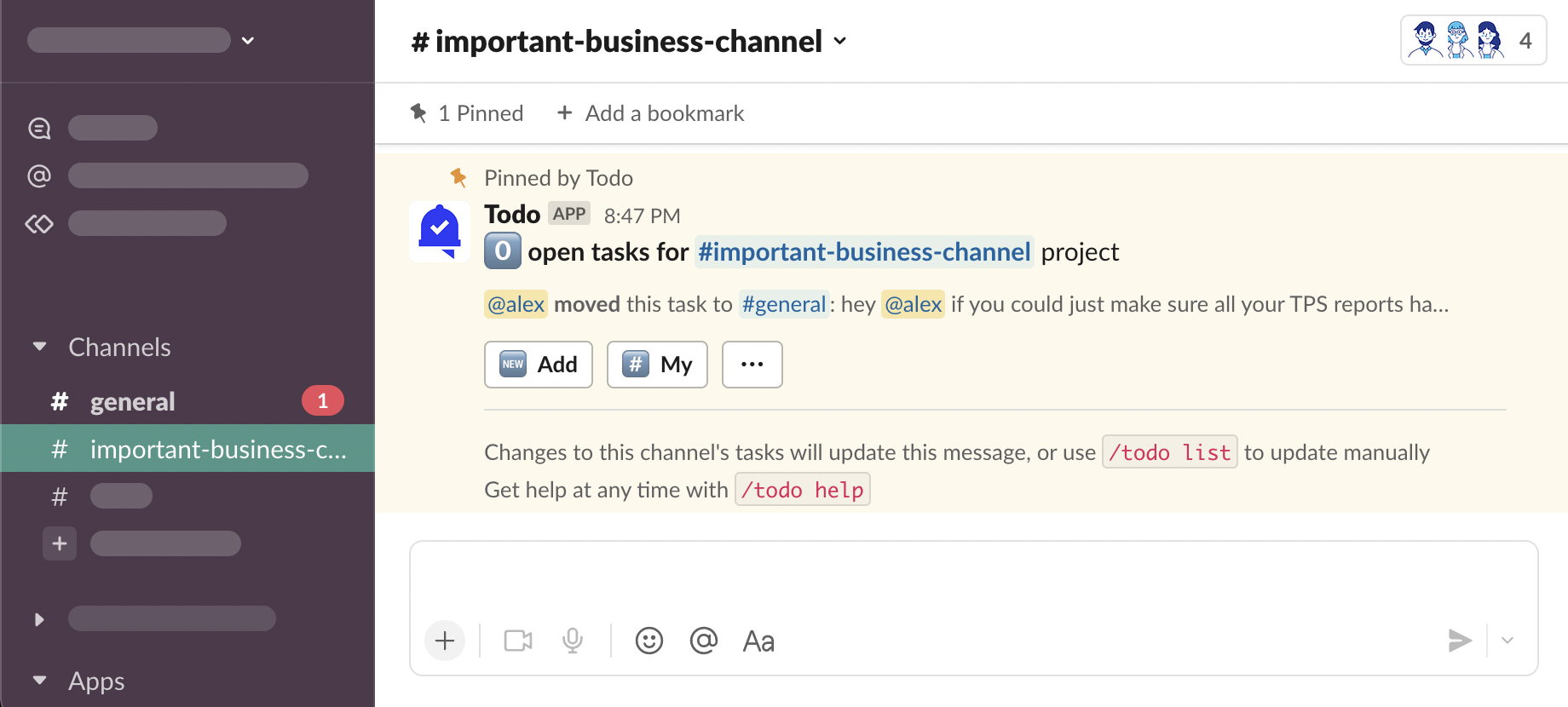
And, because we’ve changed the project from one public channel, to another, this information has been sent as updated Primary Project Messages
Who can edit tasks?
Everybody in your workspace who can see a task, can also edit it.