Help Center » Todo for Slack
Projects
Tasks can be a part of a project. Project can be a public, or a private channel.
In a new task form modal click on a “Project” input
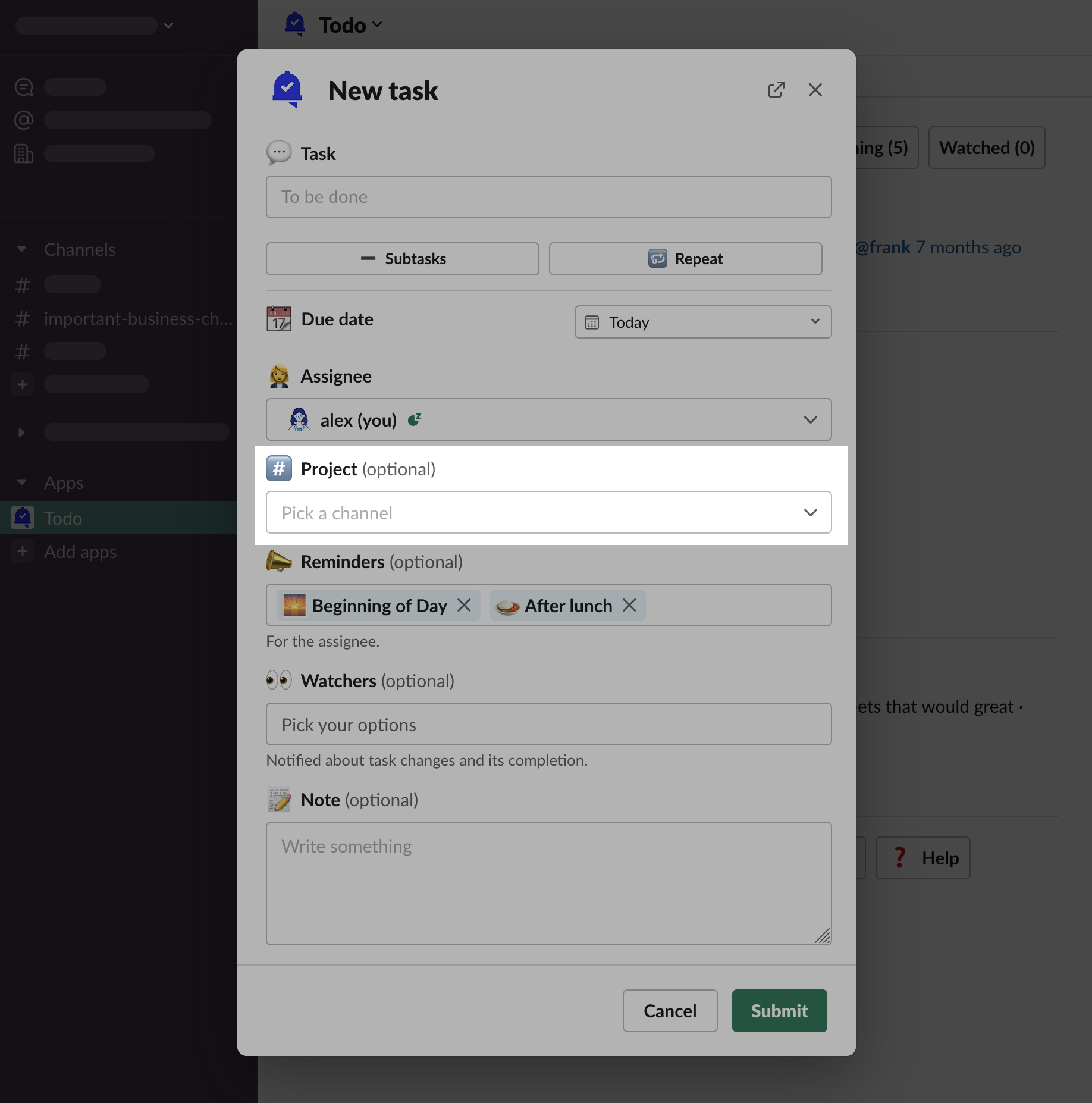
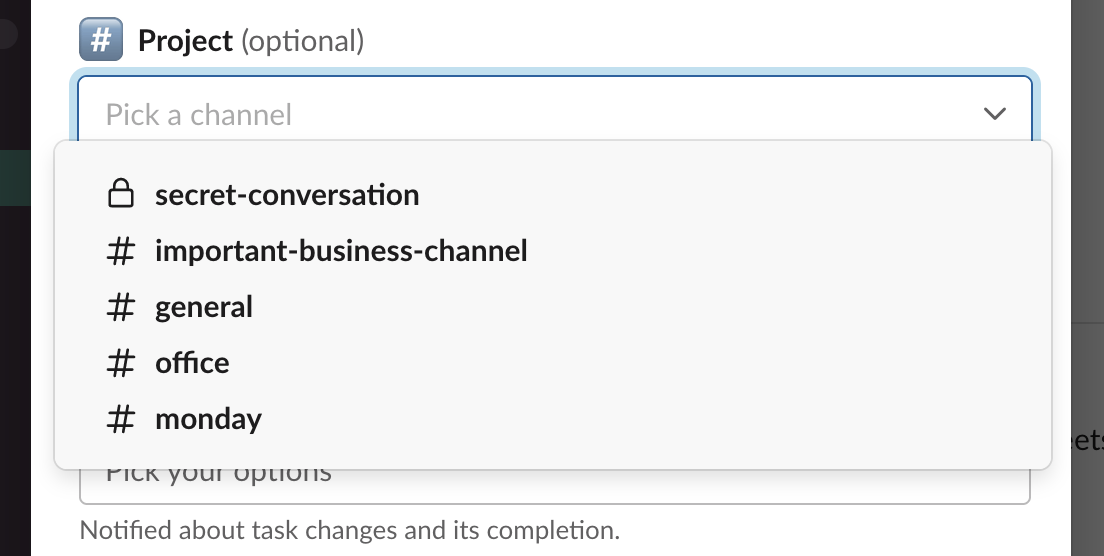
You can see multiple possible options to choose from.
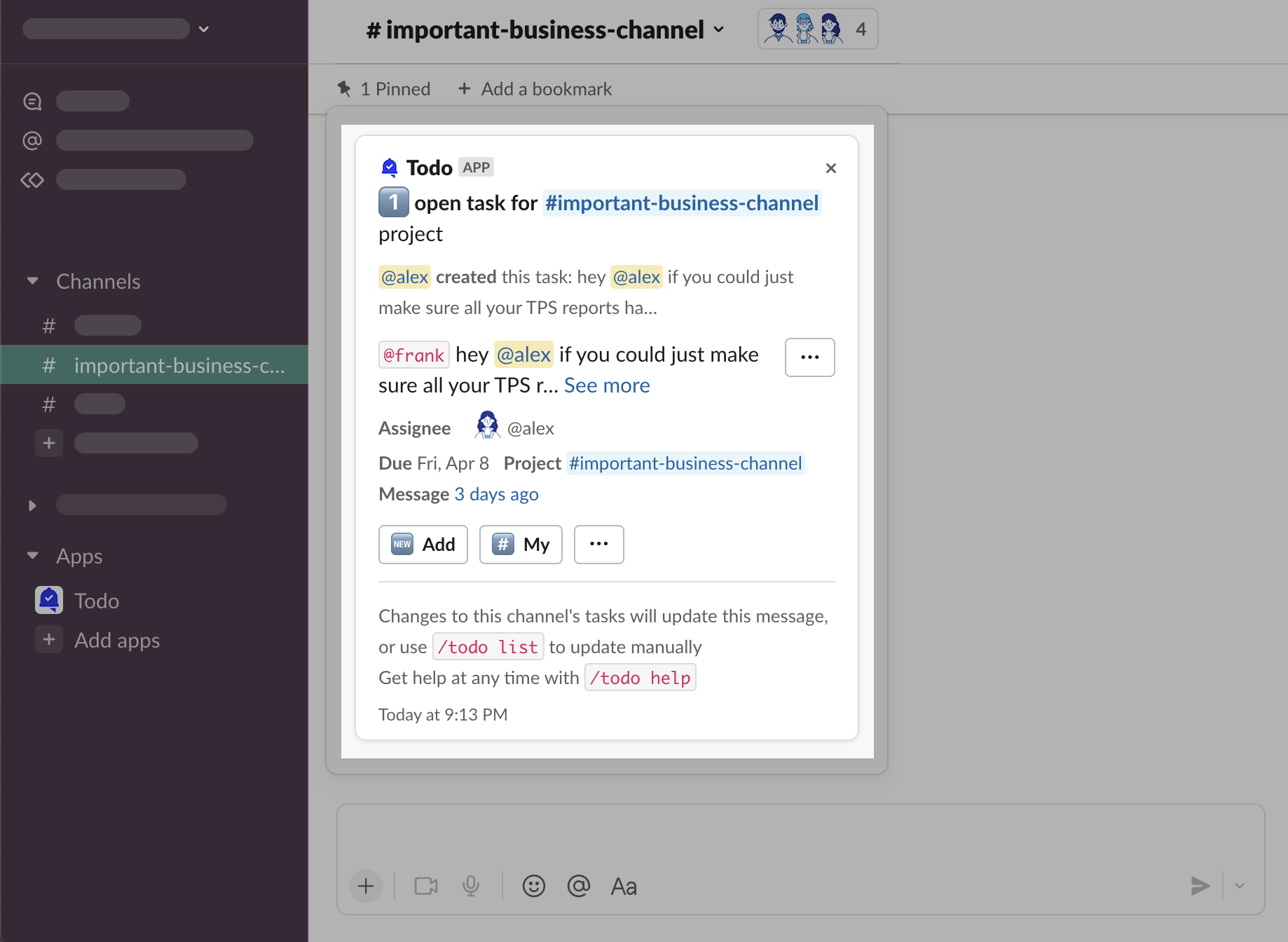
Primary Project Message
Todo can send notifications to the channel about tasks that have this channel as a project.
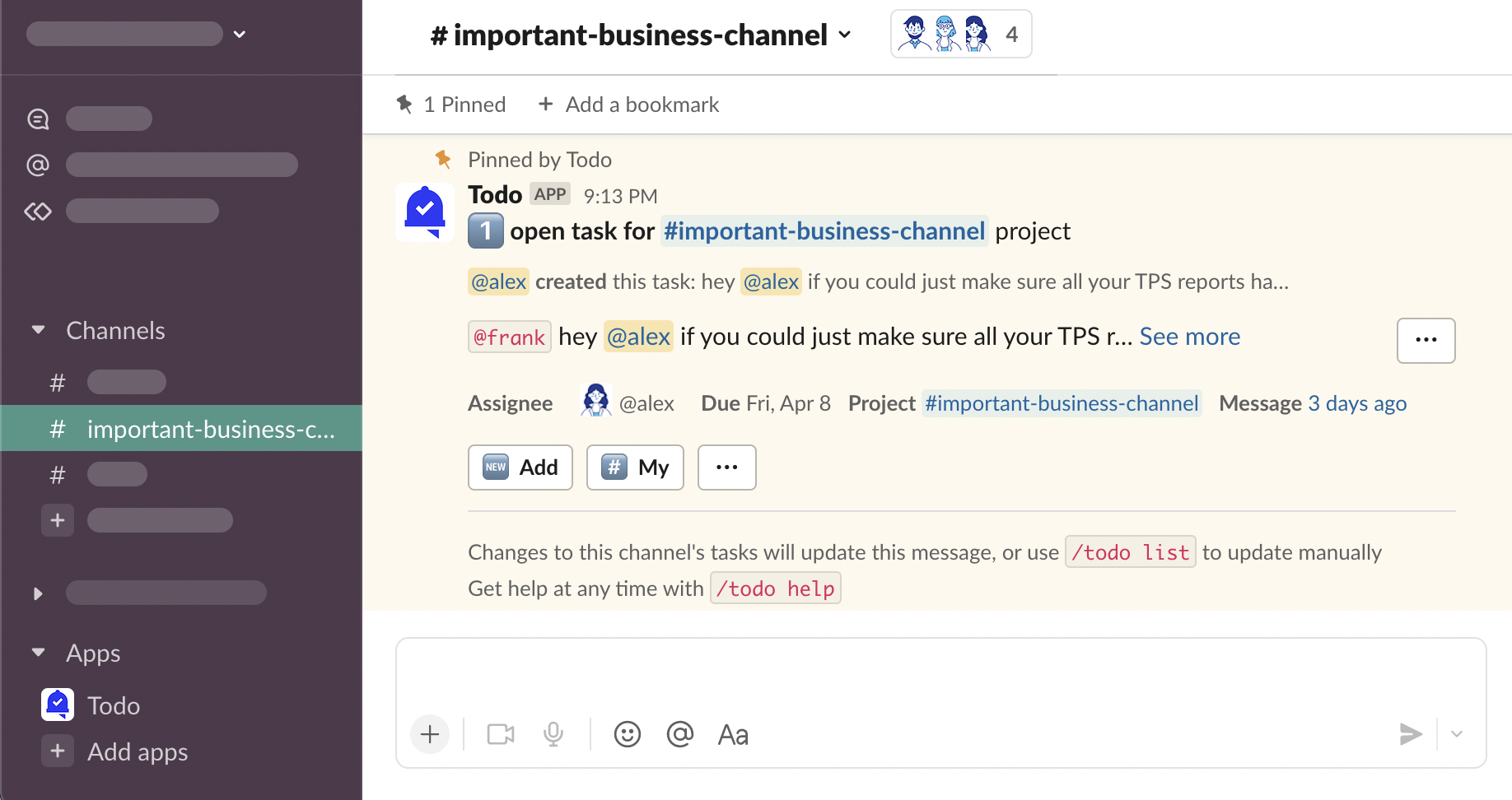
This message will be updated whenever a task assigned to this project is updated.
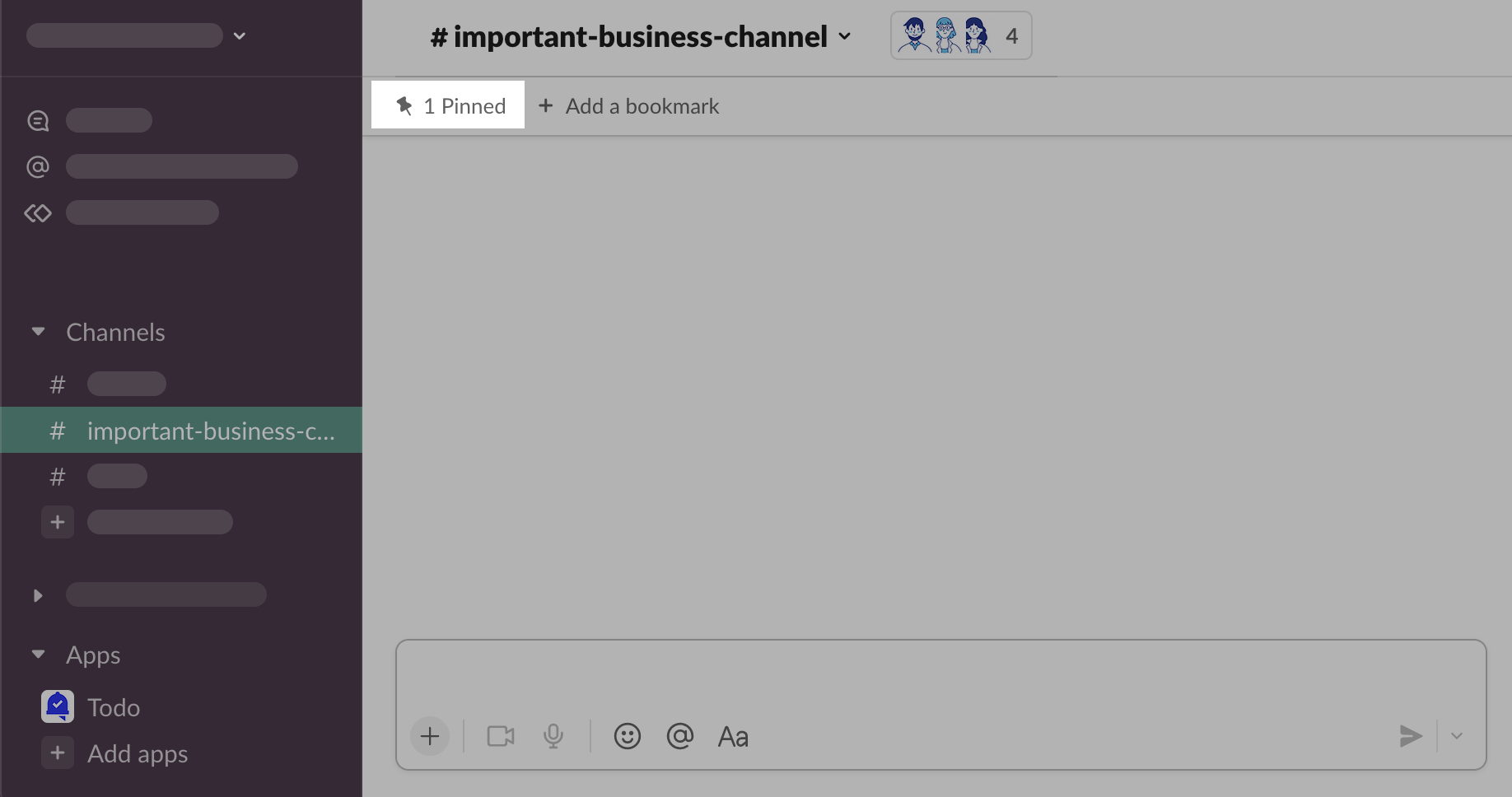
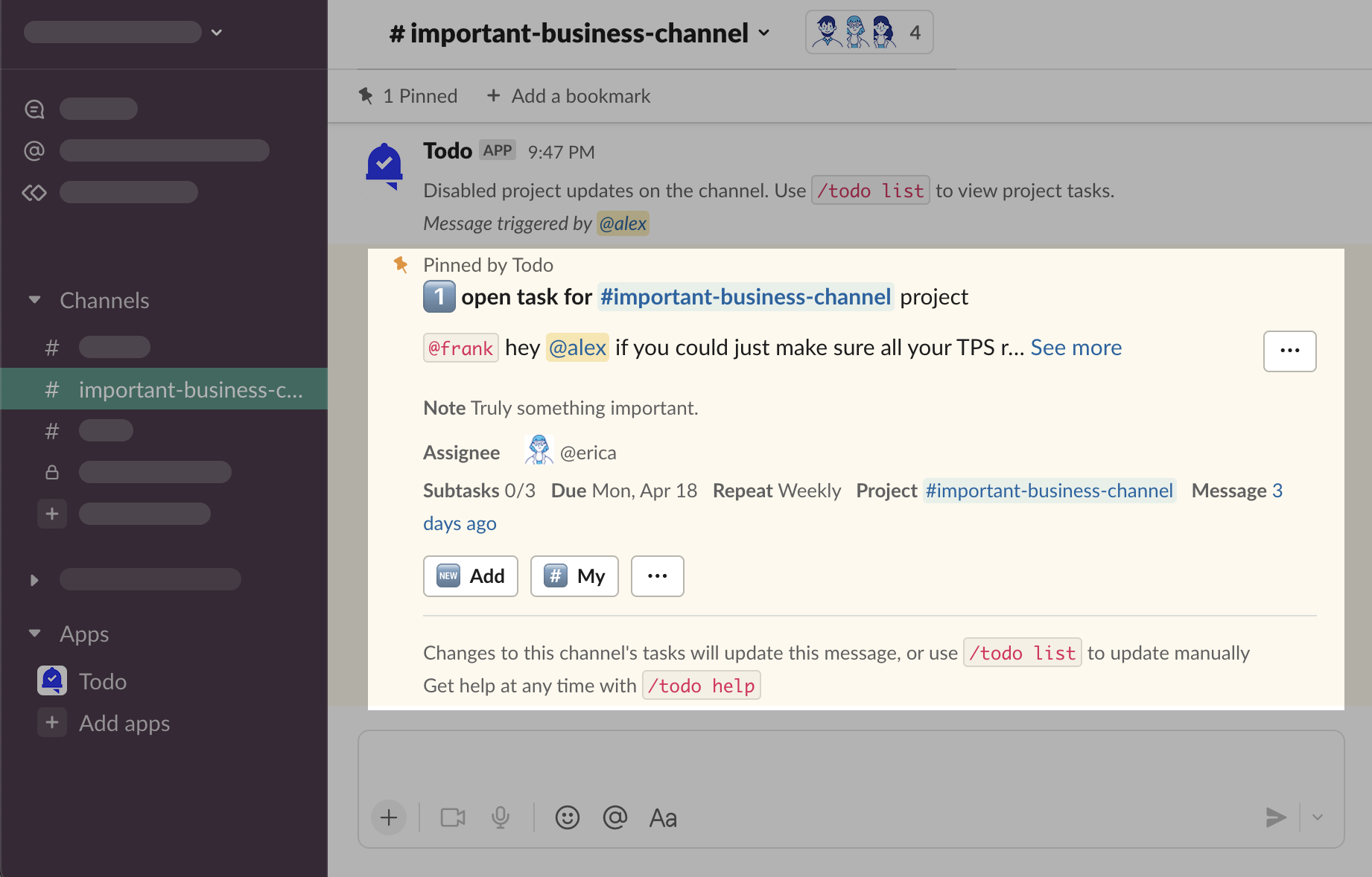
Primary Project Message is pinned to the channel and can be found among other pinned messages on the channel
Config
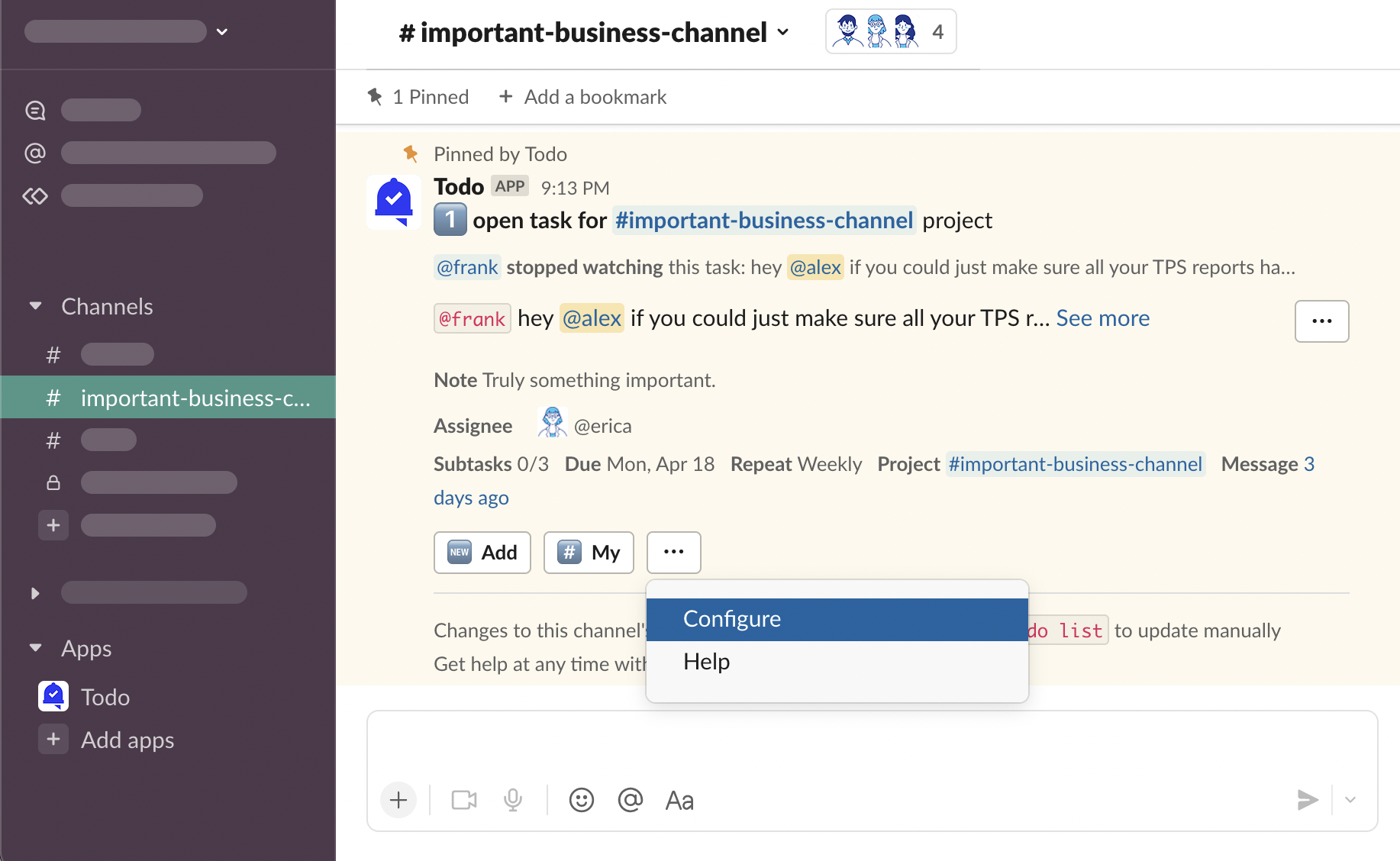
Find a Primary Project Message, click “⋯” and then “Configure”
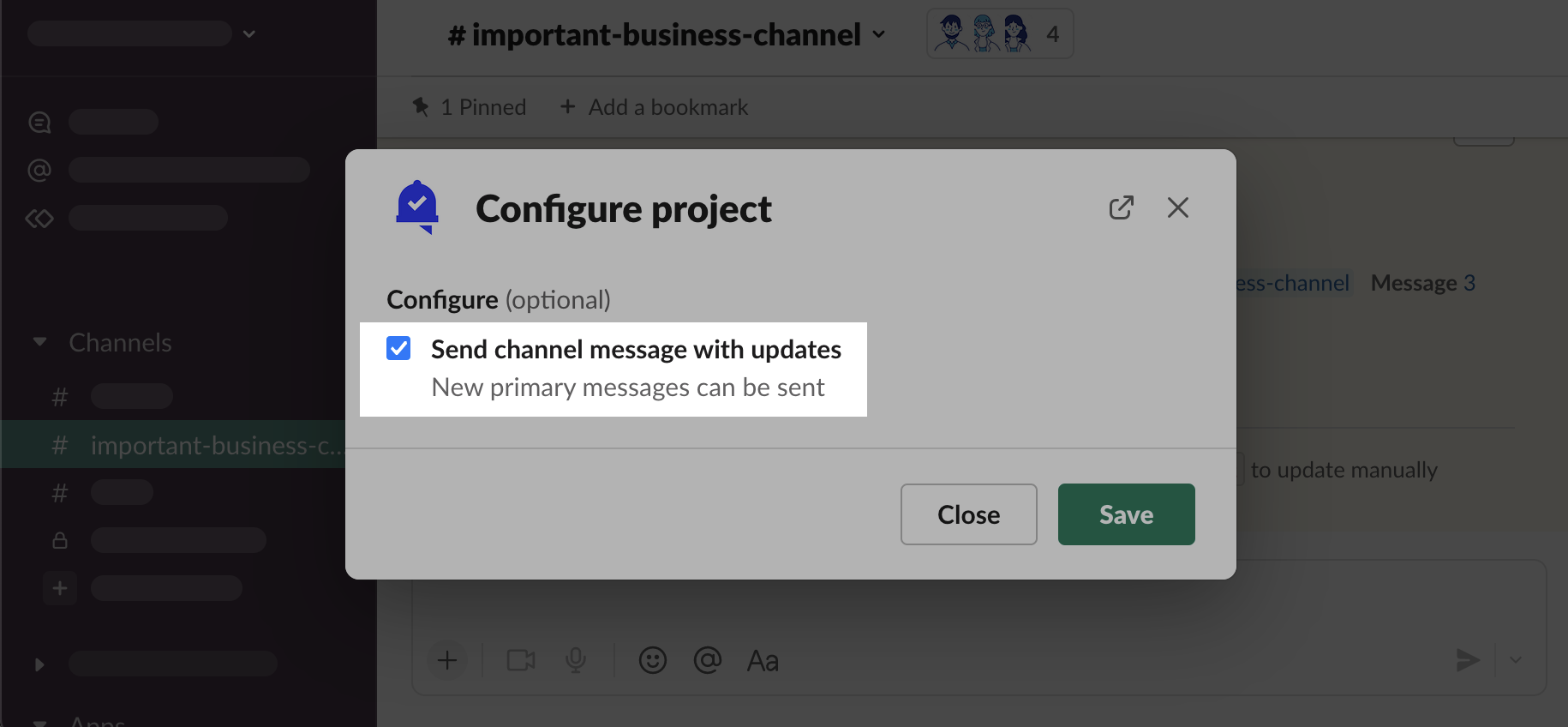
Send channel message with updates
By default, updates to all the tasks in a project will be sent in a Primary Project Message on the channel. Depending on how much time has passed since the last message was sent, the message will be updated with new information, or a new one will be sent, replacing the previous one.
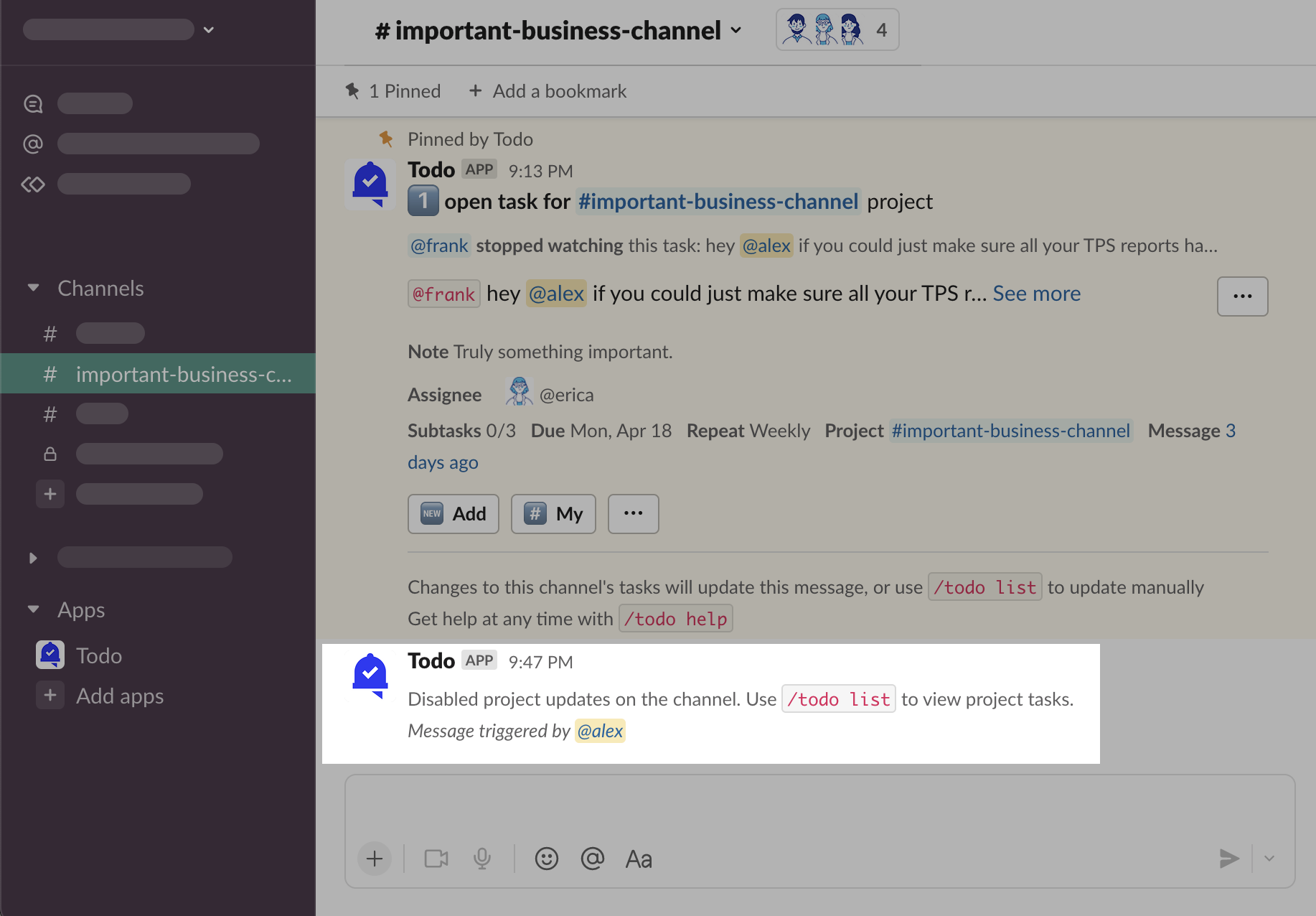
Check off this option and “Save” to stop sending new messages automatically. Instead, the pinned message will always be updated, new one will not be sent.
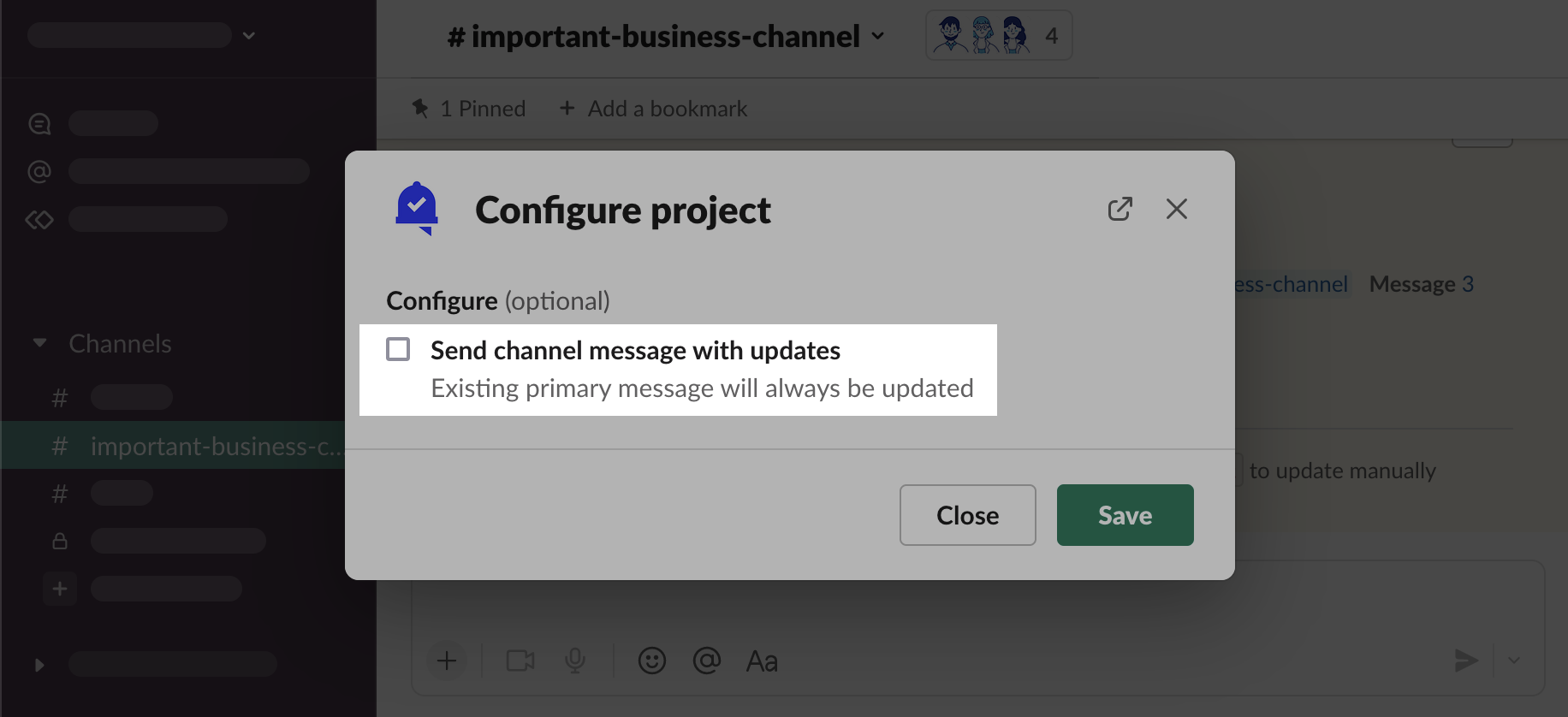
A message will be sent to the channel to let others know why they might not see new updates.
/todo list
Use the /todo list slash command to send Primary Project Message manually.
Type
/todo listand press “⮐ Return” on your keyboard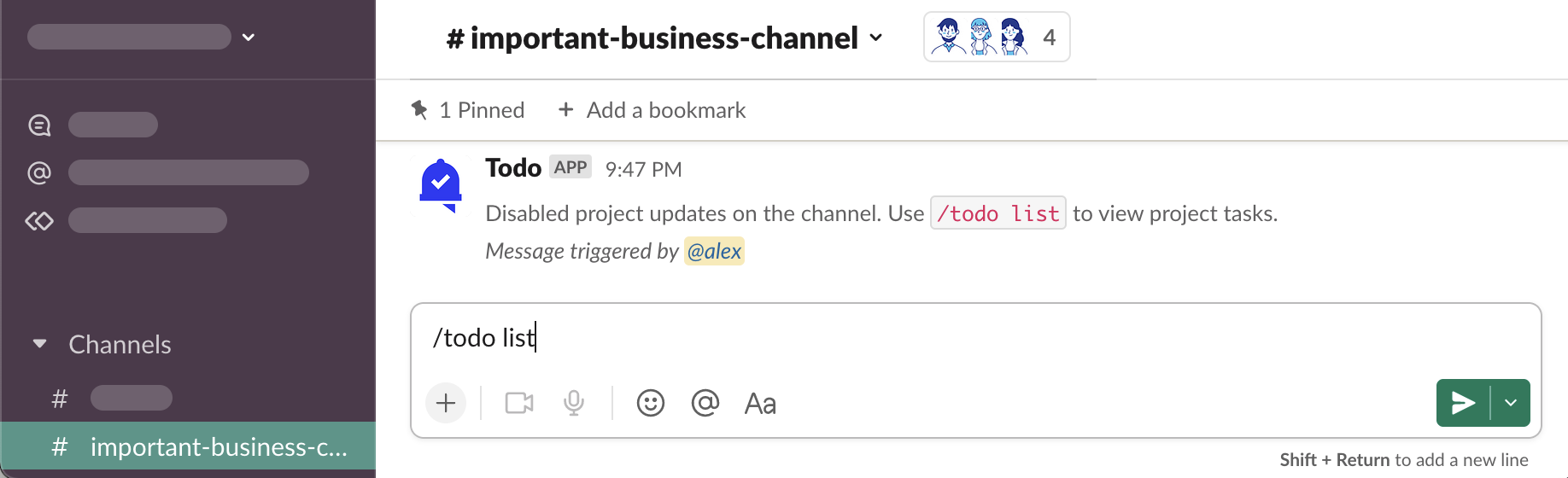
Primary Project Message was sent and pinned to the channel
See: Who can see my tasks? See: How to create private tasks?